Each build-material line has a basis that controls how it depletes when an assembly completes.
How to set it up?
- Go to Inventory - Inventory Admin. On the Inventory Admin dropdown, select Bills of Materials.
- Select existing Bill of materials by clicking the text link.
-
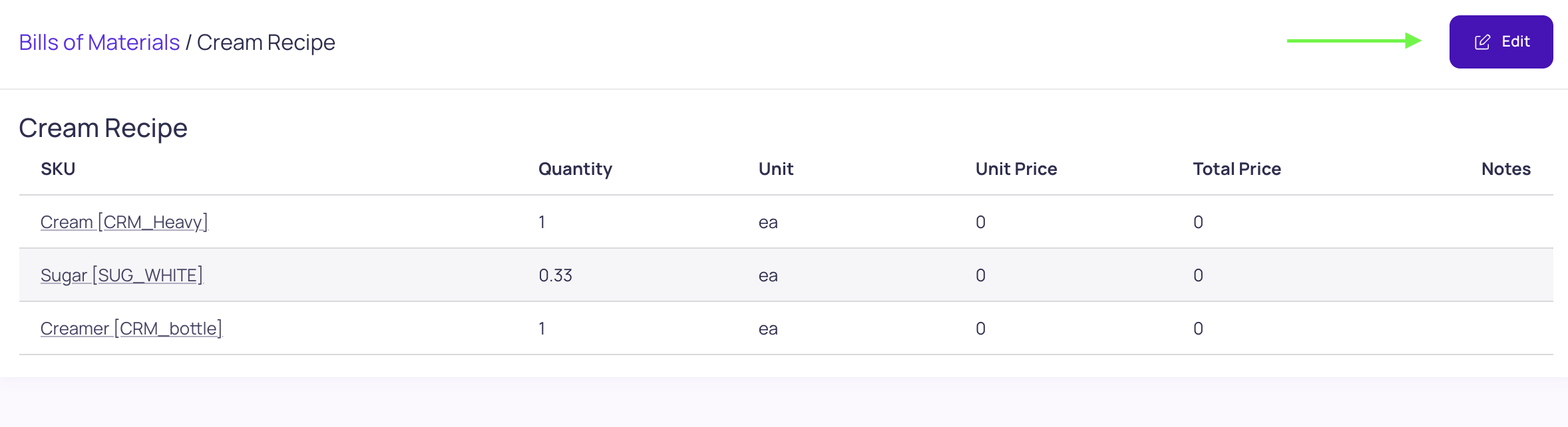
Click the Edit button on the top-right.
-
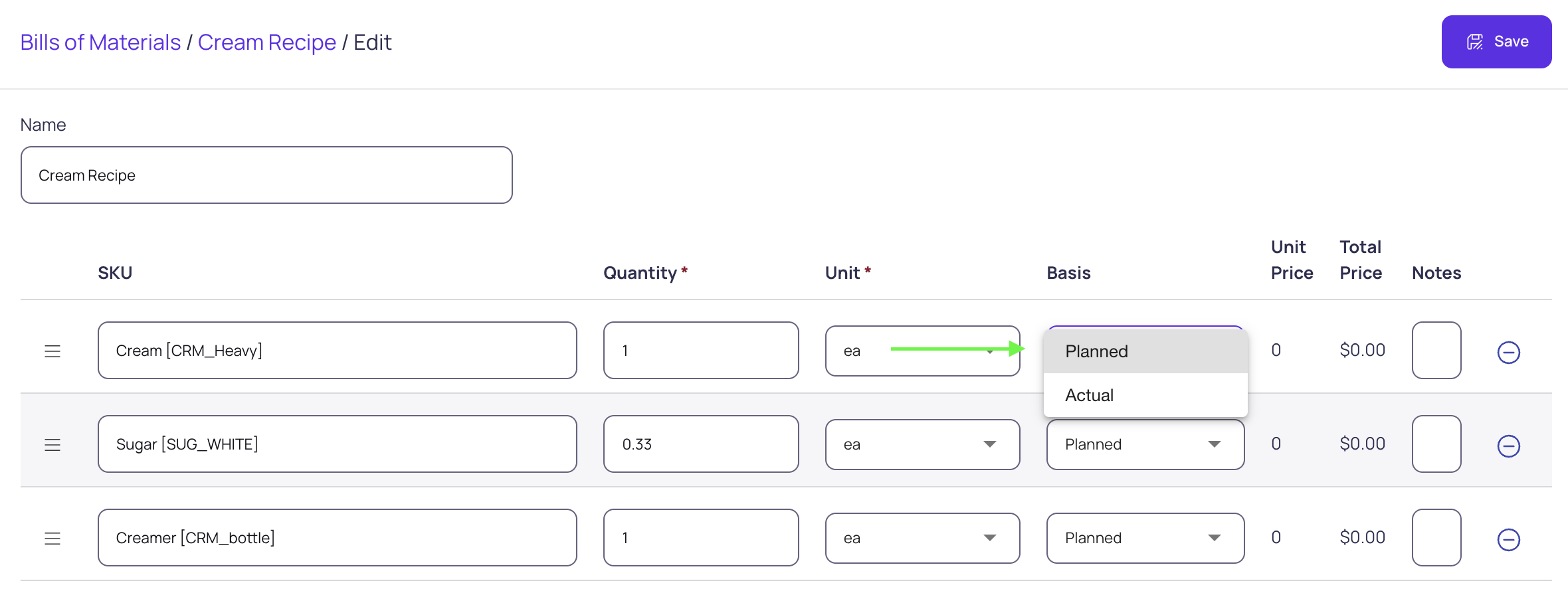
Click the dropdown under the "Basis" column to select either "Planned or Actual"
-
Once done, click save.
-
Which to choose
- Planned — depletes the fixed BOM quantity regardless of yield.
- Actual — scales with the actual quantity produced. Use this for packaging (caps, labels, boxes): if you planned 1,000 but yielded 1,005, packaging depletes at 1,005.
Full details: Configure assembly order consumption basis (Planned vs Actual) and What is Planned vs Actual consumption on assembly orders?.