Overview
Luminous now allows selecting a document template when exporting a packing slip from an order or invoice.
Previously, selecting Export Packing Slip generated a single default document. With this update, users can now choose from multiple available templates, similar to how invoice templates work today.
This improvement allows teams to export different document formats such as:
- Packing slips
- Sales order confirmations
- Custom fulfillment documents
This feature is available when exporting documents from Sales Orders (SOs), Fulfillment Orders (FOs), and Invoices.
Export a Packing Slip Using a Template
- Navigate to one of the following tabs where packing slips are available:
- Invoices
- Sales Orders
- Fulfilment Orders
- Locate the order to export.
- Click the Actions menu (⋮) on the order.
- Select Export Packing Slips.
- Choose from the list of available document templates.
- Select a template to generate and download the packing slip.
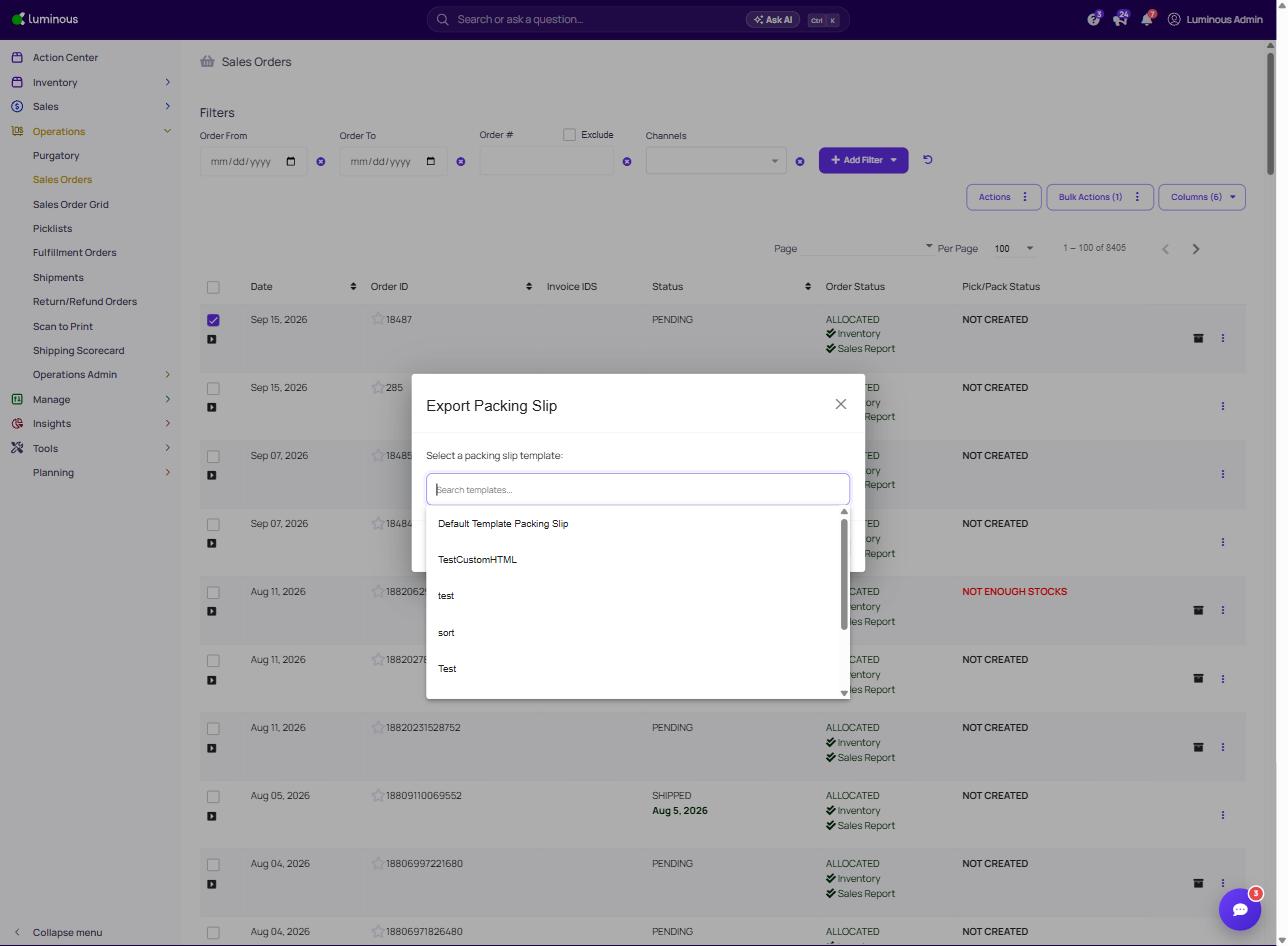
- Choose the desired template.
- The document will download as a PDF.
The exported document will use the selected template format.
Available Template Types
Depending on account configuration, templates may include:
- Standard Packing Slip
- Branded Packing Slip
- Sales Order Confirmation
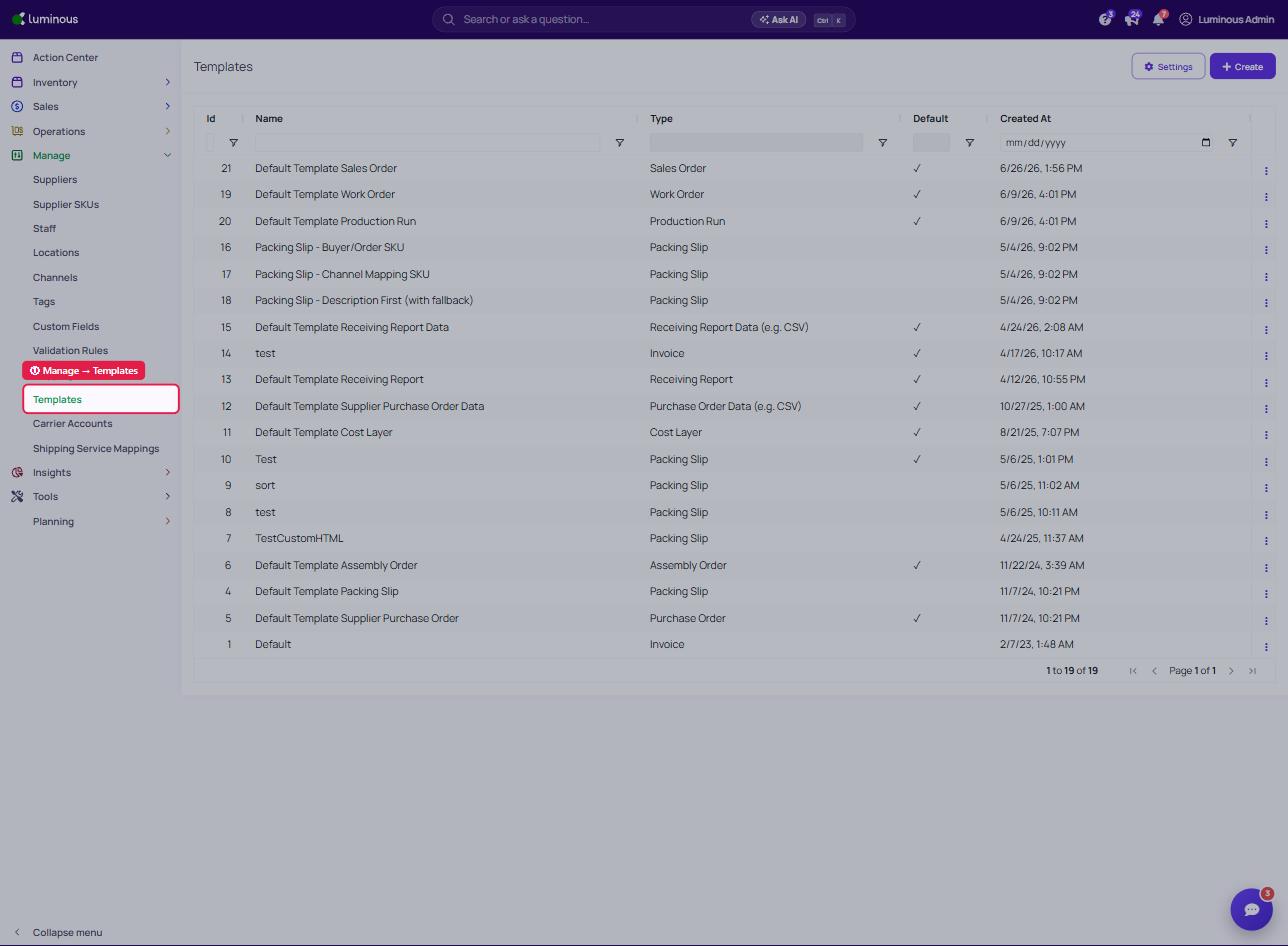
- Custom document templates created for the organization
Templates are managed in the Manage → Templates.
Important Notes
- The template selection appears after choosing Export Packing Slip.
- The available options depend on the templates configured for the account.
- The exported file will always generate as a PDF document.