For each component, tell Luminous how it's normally sourced. This pre-fills your work orders and drives shortage handling.
-
Go to Inventory - SKU
-
Select your component SKU. On the top right, click three dots and Edit SKU.
-
Look for the Default Supply method section.
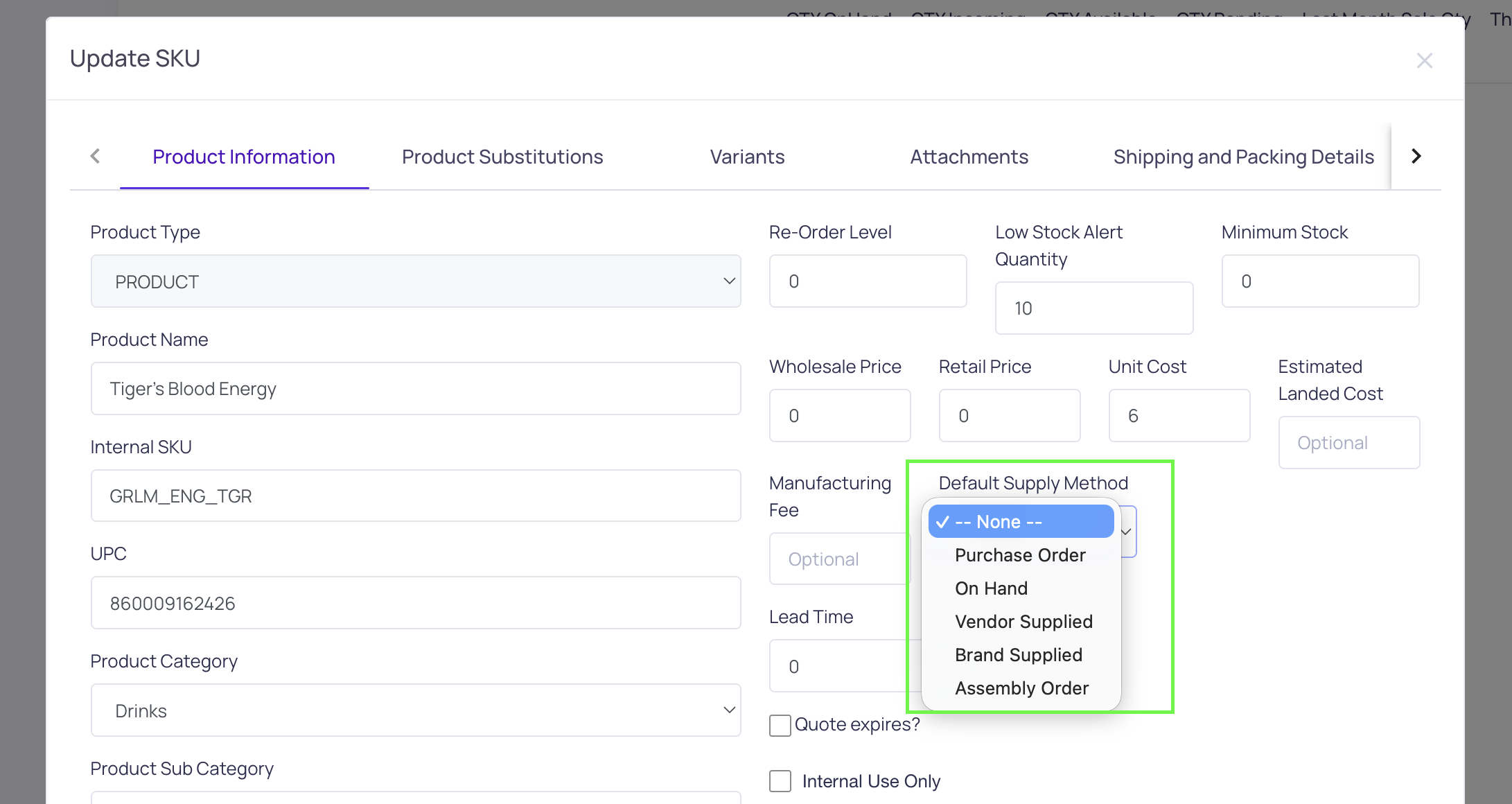
The methods that matter
- On Hand — deplete existing stock, allocate from incoming, purchase only when short.
- Purchase Order — buy from the supplier every time.
- Assembly Order — the component is itself produced from its own build material (a sub-assembly).
Full details: Set default supply methods on products.