Made by Heidi Hatch with Scribe\
1. From the left-hand navigation, open Sales
2. Click "Invoices"
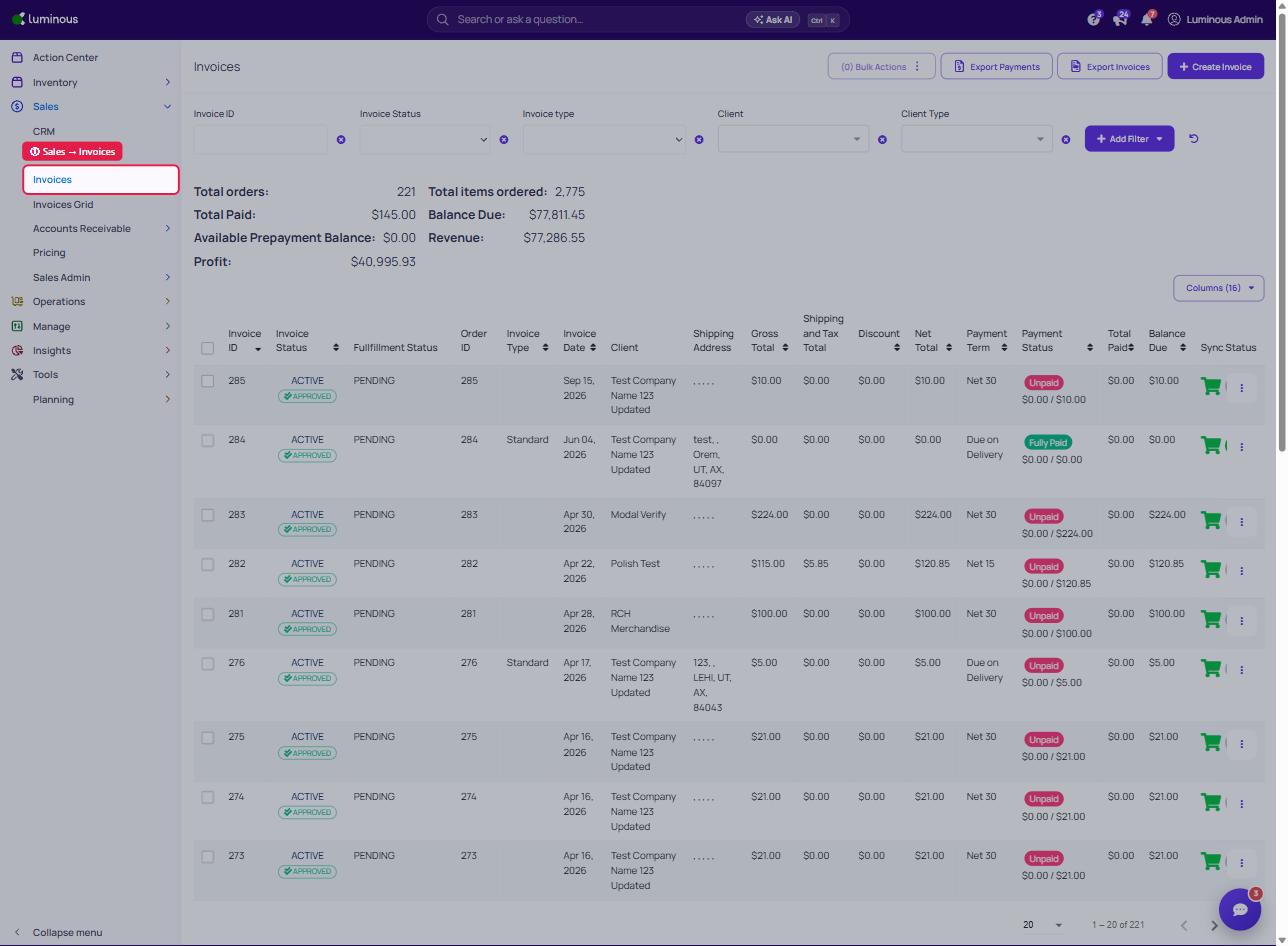
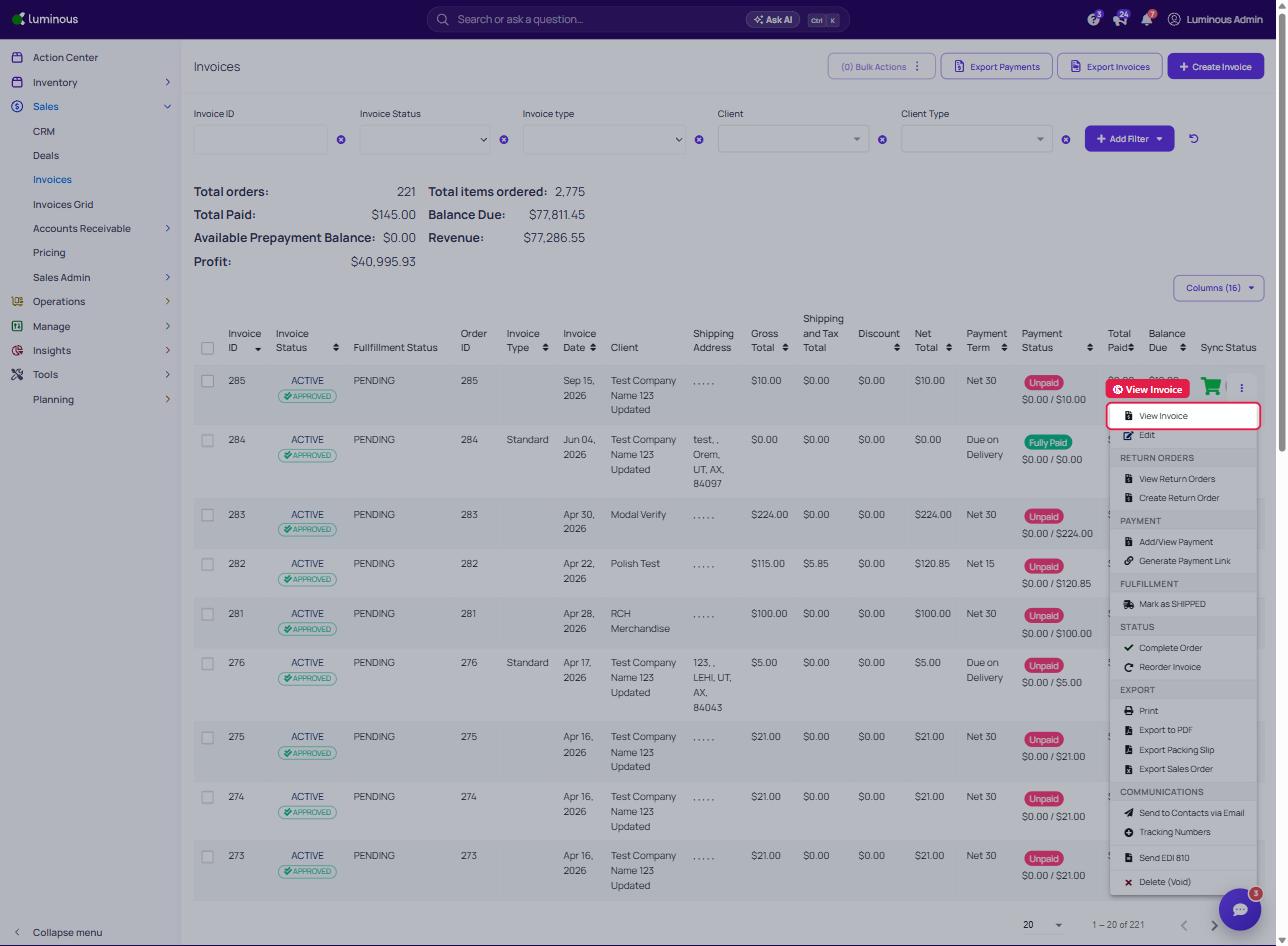
3. Click the three dots to the right of the invoice as shown here:
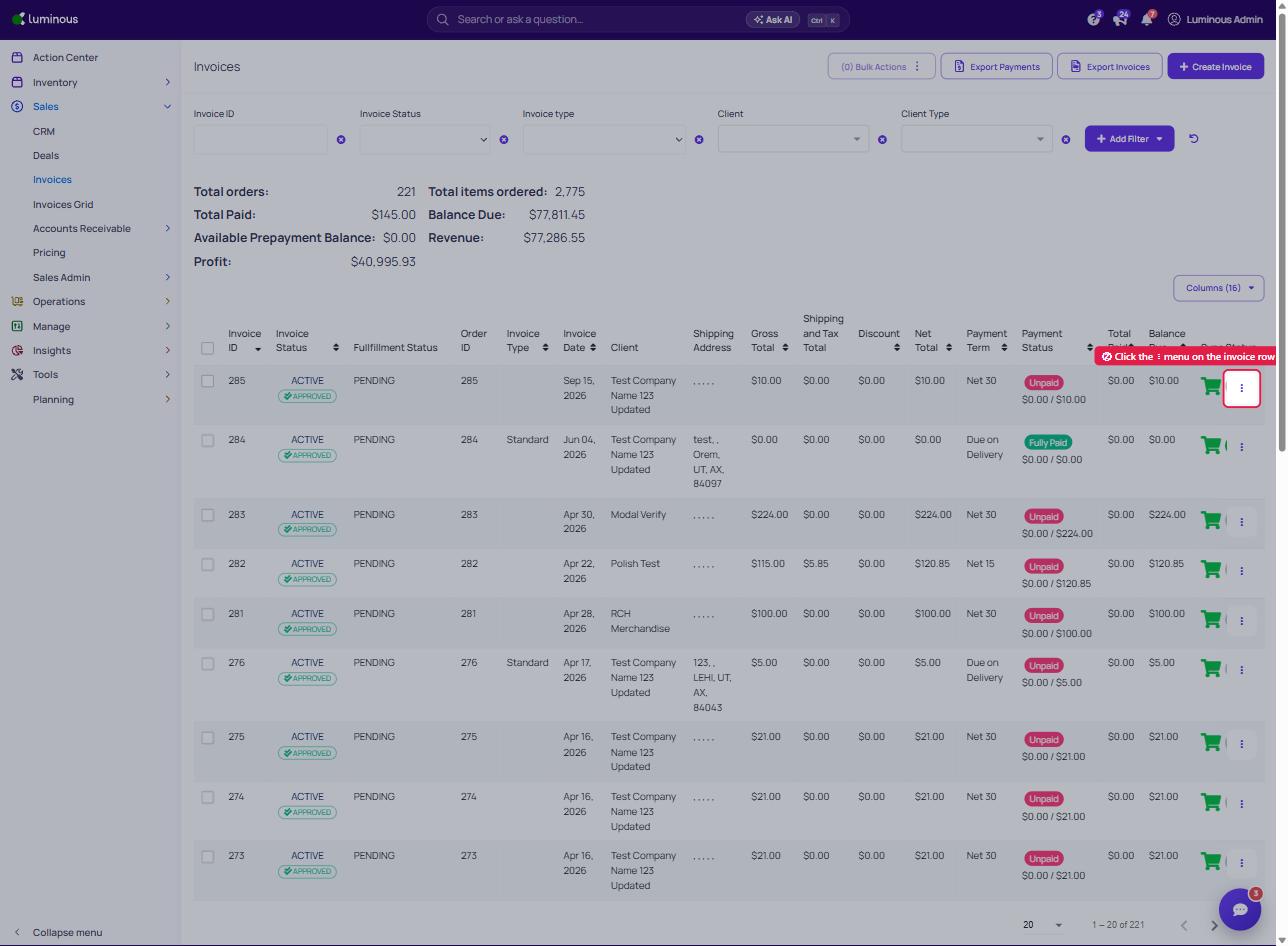
4. Click "Tracking Numbers"
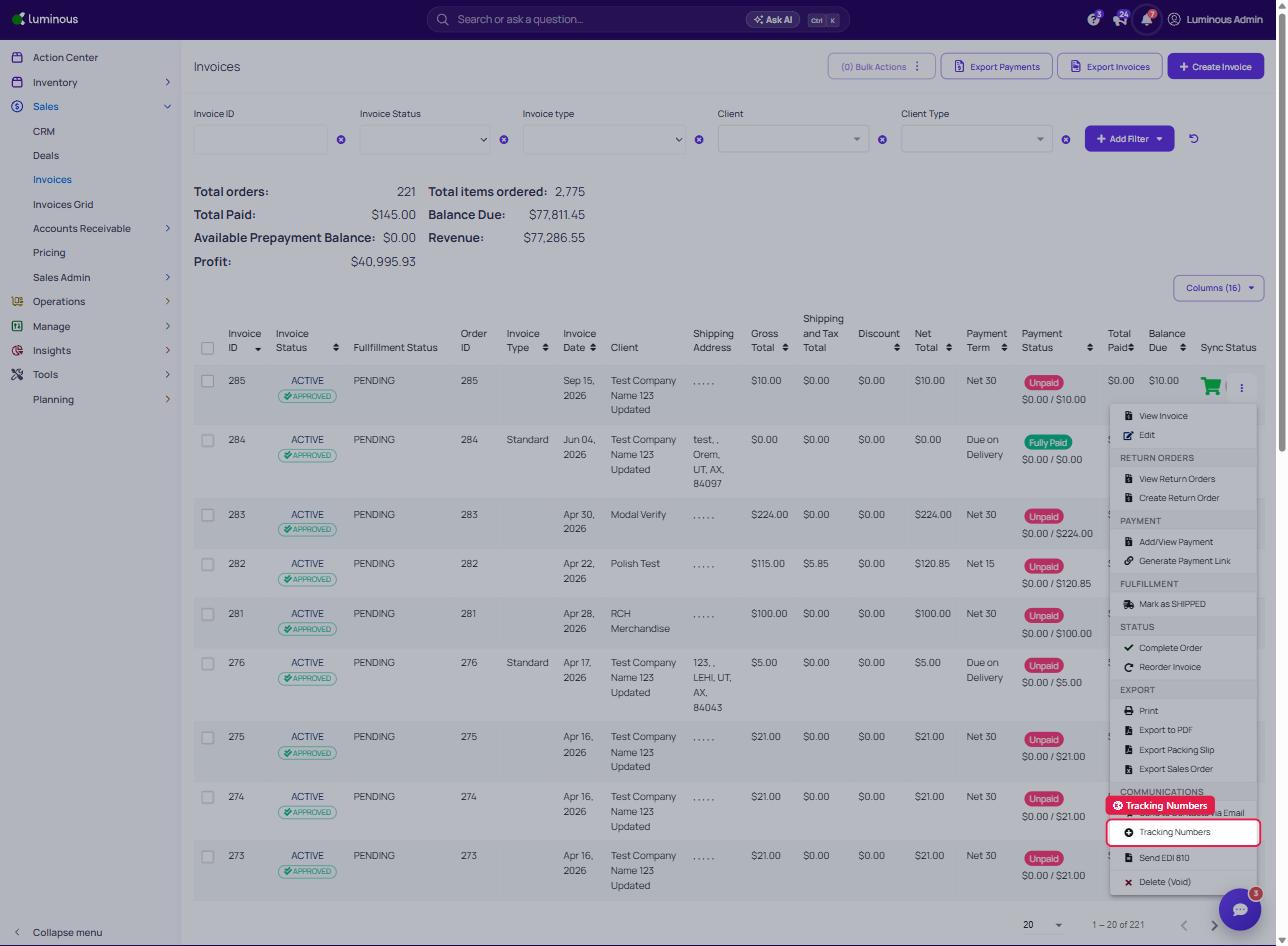
5. Add or edit tracking number
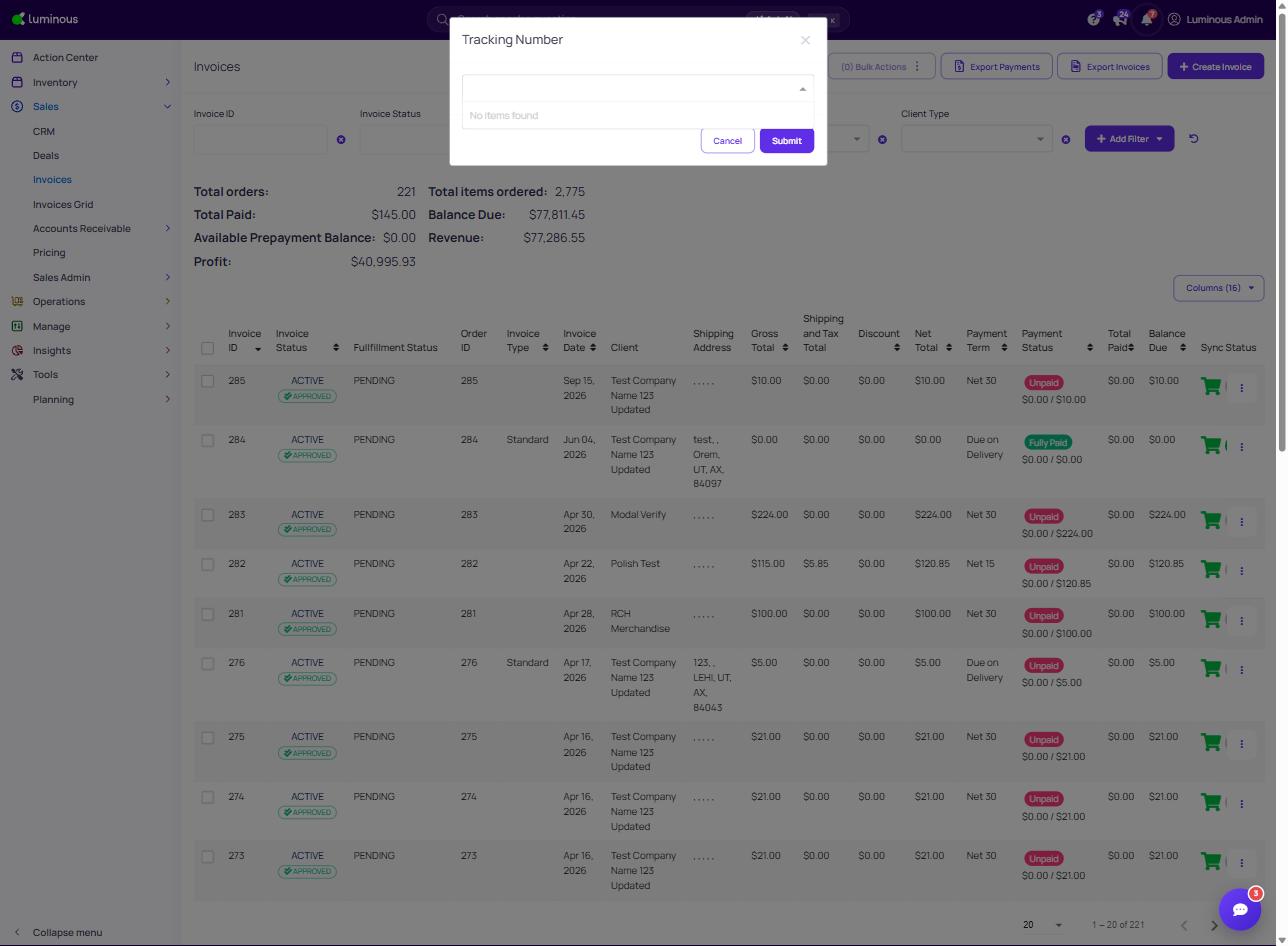
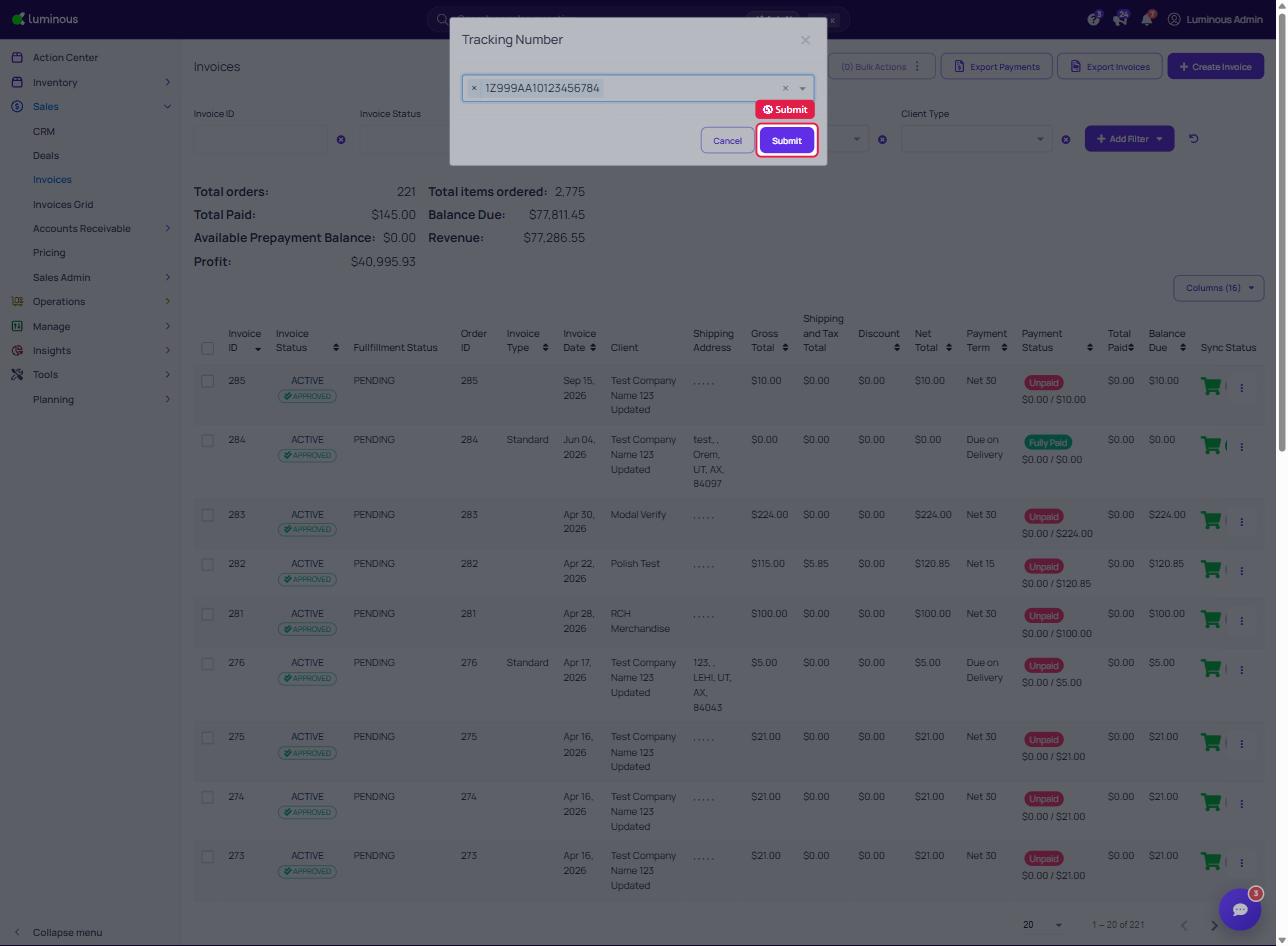
6. Click "Submit"
7. Click "View Invoice" to see your tracking number has been updated
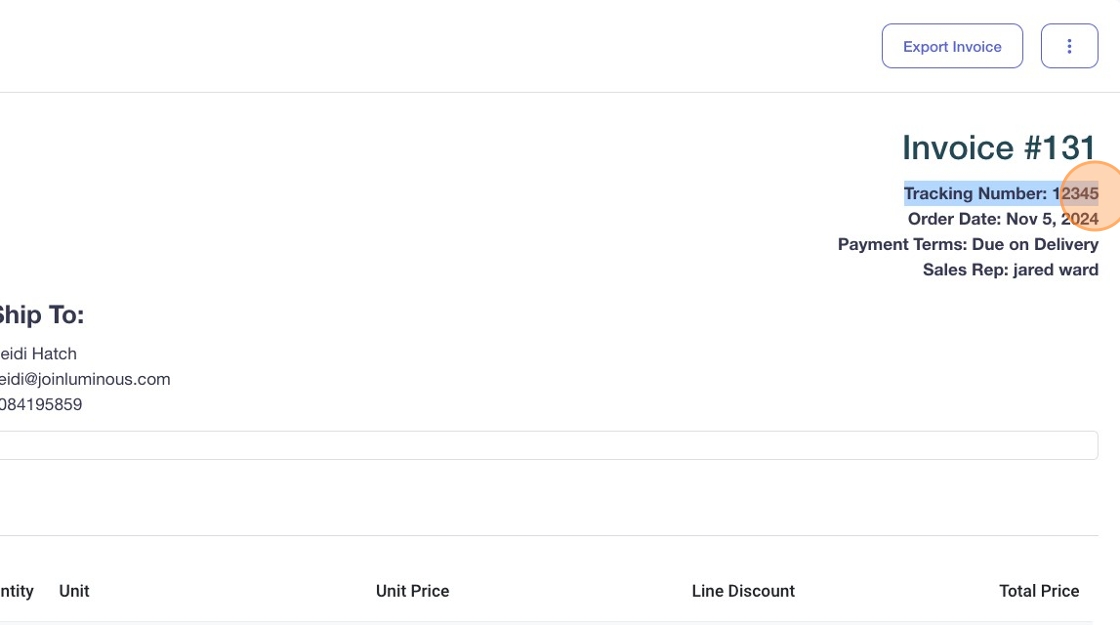
8. Tracking number has now been updated here: