STAGING — test environment
Export Bill of Materials Report
Updated
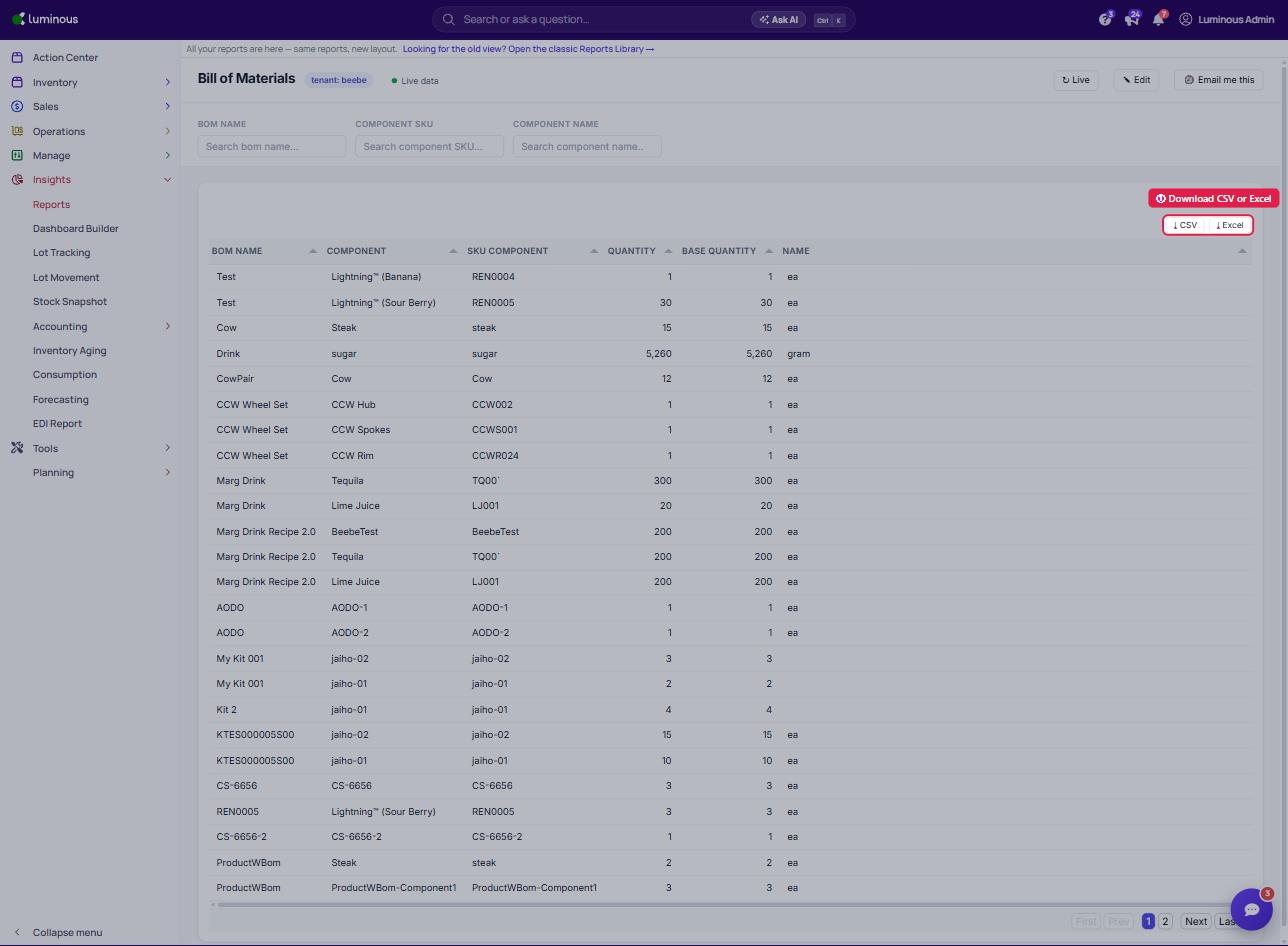
1. Go to Reports.
- In the left-hand menu, click Insights > Reports.
- Search for and open the Bill of Materials report (under Financial).
- The BOM table will display columns such as:
bom name – Name of the Bill of Materialscomponent – Component used in the BOMSKU Component – Internal SKU for the componentquantity – Quantity requiredName – Unit of MeasureBase Quantity – Total required quantity
2. Download the Report
- In the top-right corner of the BOM table, click one of the download buttons:
- Choose Your Download Format
- Two options are available: