What?
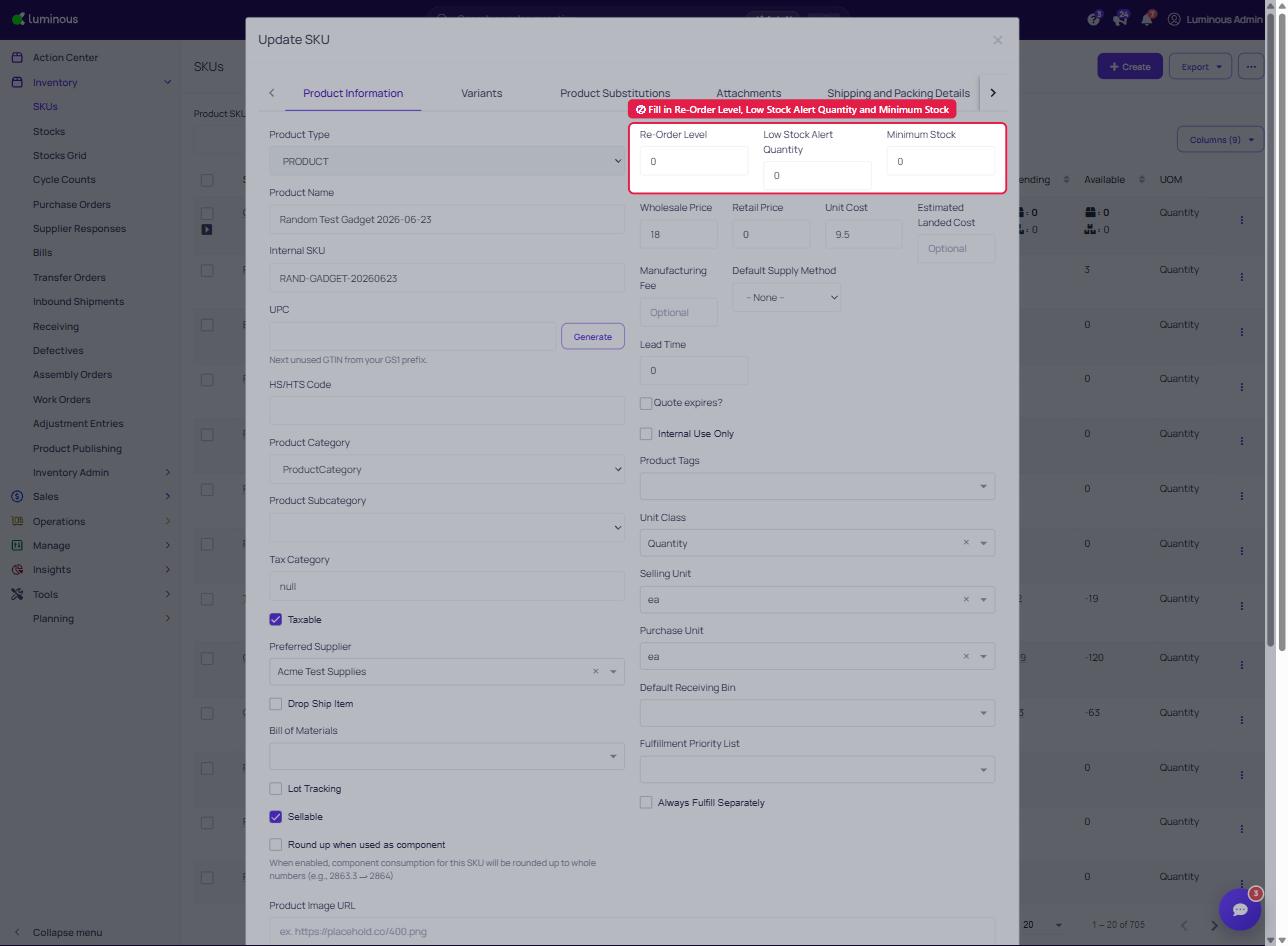
Reorder Level - When a SKU gets to a certain inventory level where you should consider creating a purchase order. This inventory quantity is often based off of past sales and how quickly you sell through the specified product.
Low Stock Alert Quantity (formerly Notify QTY Limit) - This is the inventory count for the SKU when you'd like to be notified by Luminous. The Notify QTY Limit is usually most effective when placed before the reorder level is reached. Doing so allows you time to plan the most effective time to write and send a purchase order to the correct supplier.
Minimum Stock (formerly OOS Notify QTY Limit) - When would you like to be notified that a SKU is out of stock? You are allowed to set this as 0, or give a buffer of when you'd like to be alerted of an out of stock product.
Why?
When to write a purchase order is one of the biggest questions in operations. Utilizing these 3 fields takes out the guessing work of when to purchase additional goods. Stay in the know by using the features mentioned!
How?
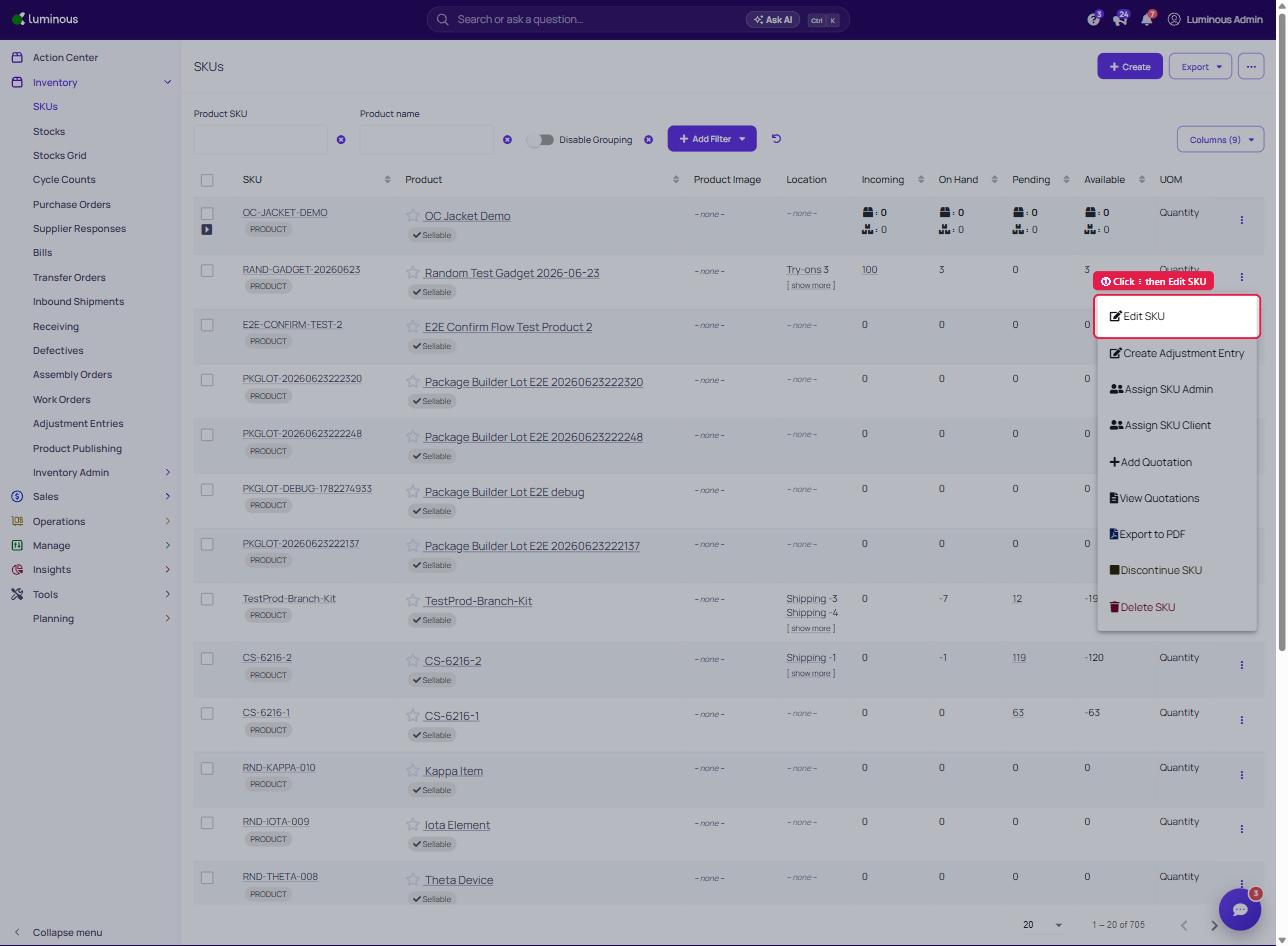
- Go to Inventory -> SKUs, click the ⋮ menu on the SKU row and choose "Edit SKU" to fill out the Re-Order Level, Low Stock Alert Quantity, and Minimum Stock fields.
2. Fill in desired inventory numbers within each field.
3. "Save Changes"
If Updating Who Receives These Notifications:
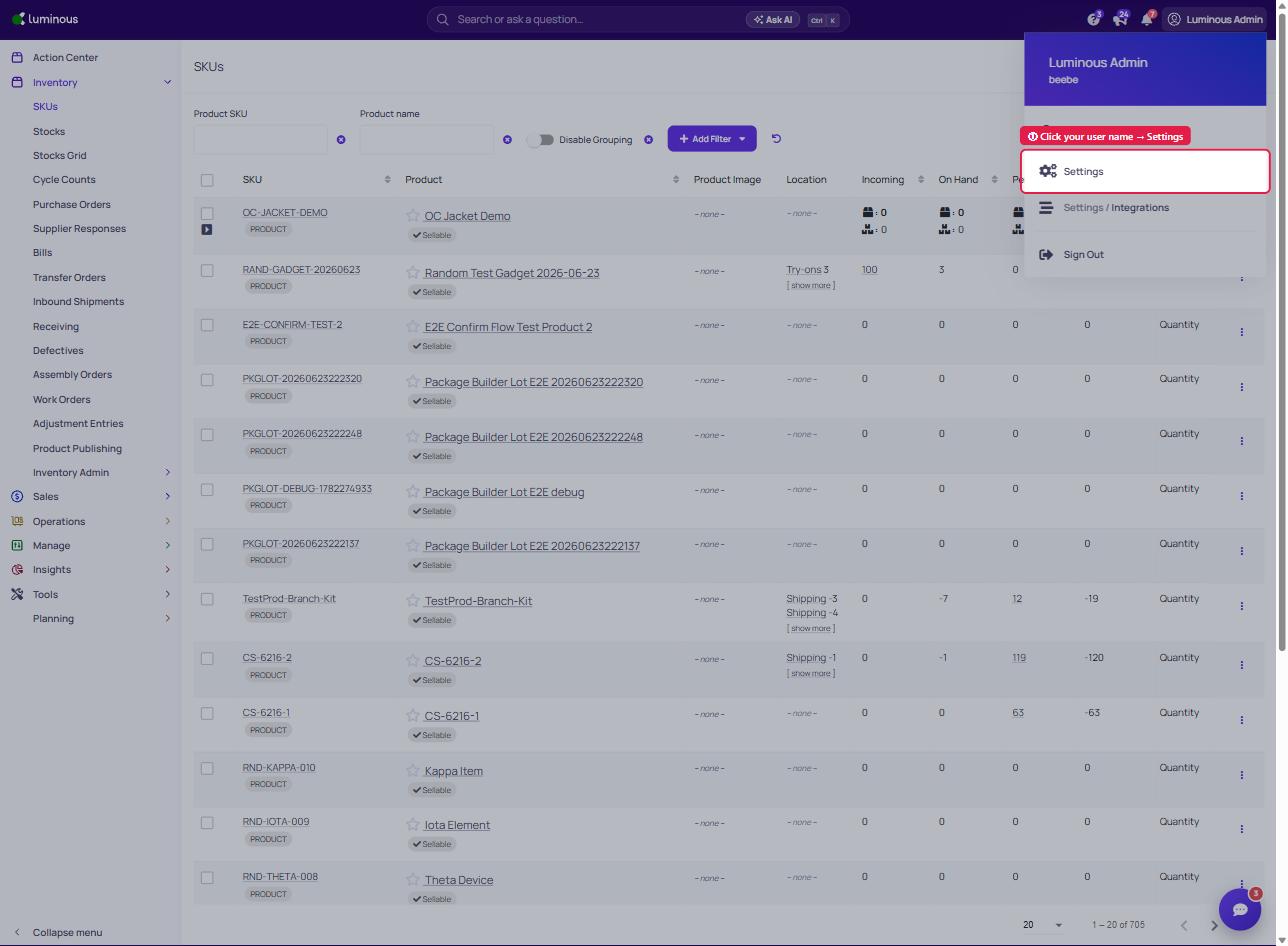
- Click user name in top right corner -> "Settings"
2. Select "Notifications" Tab
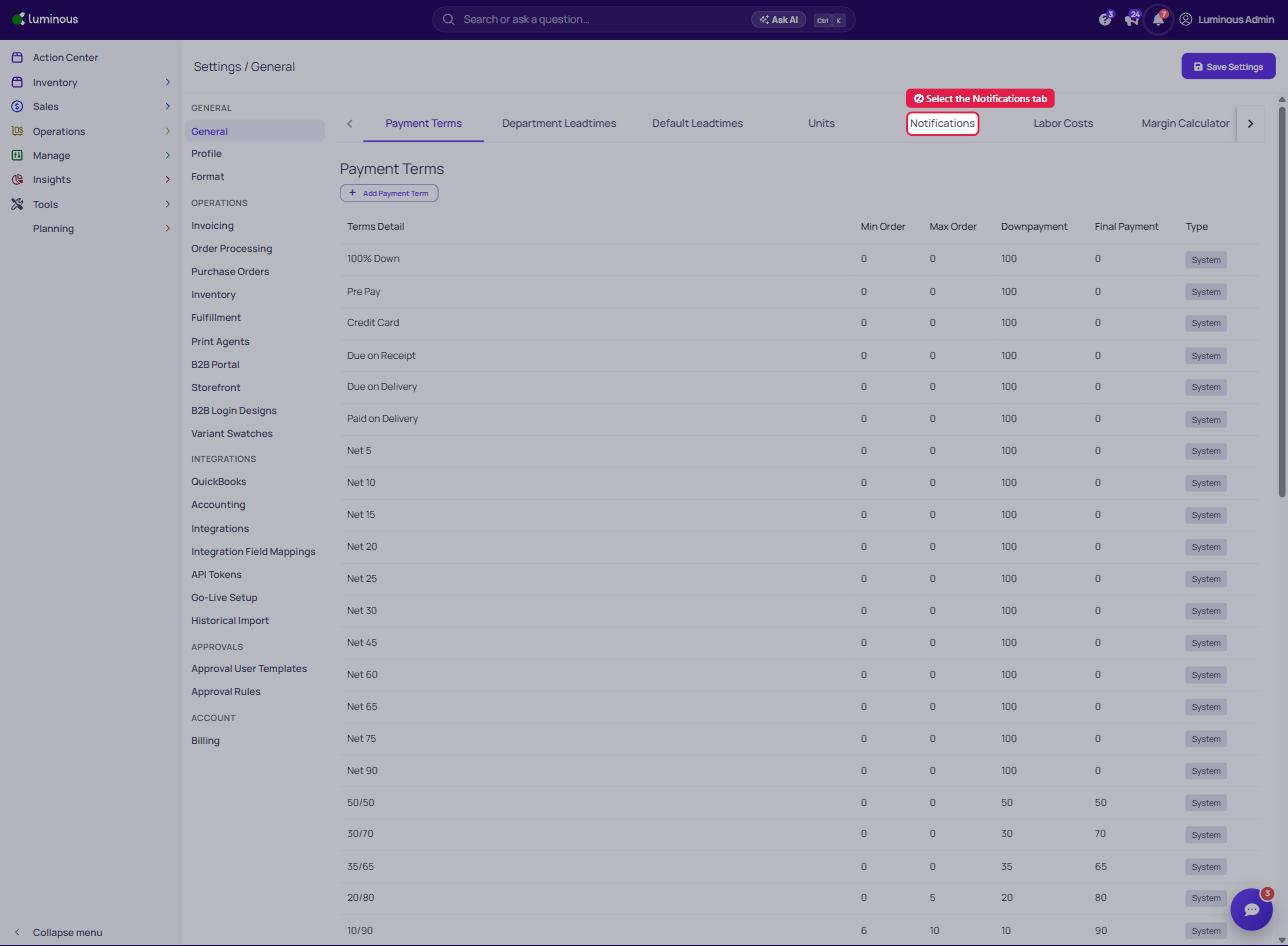
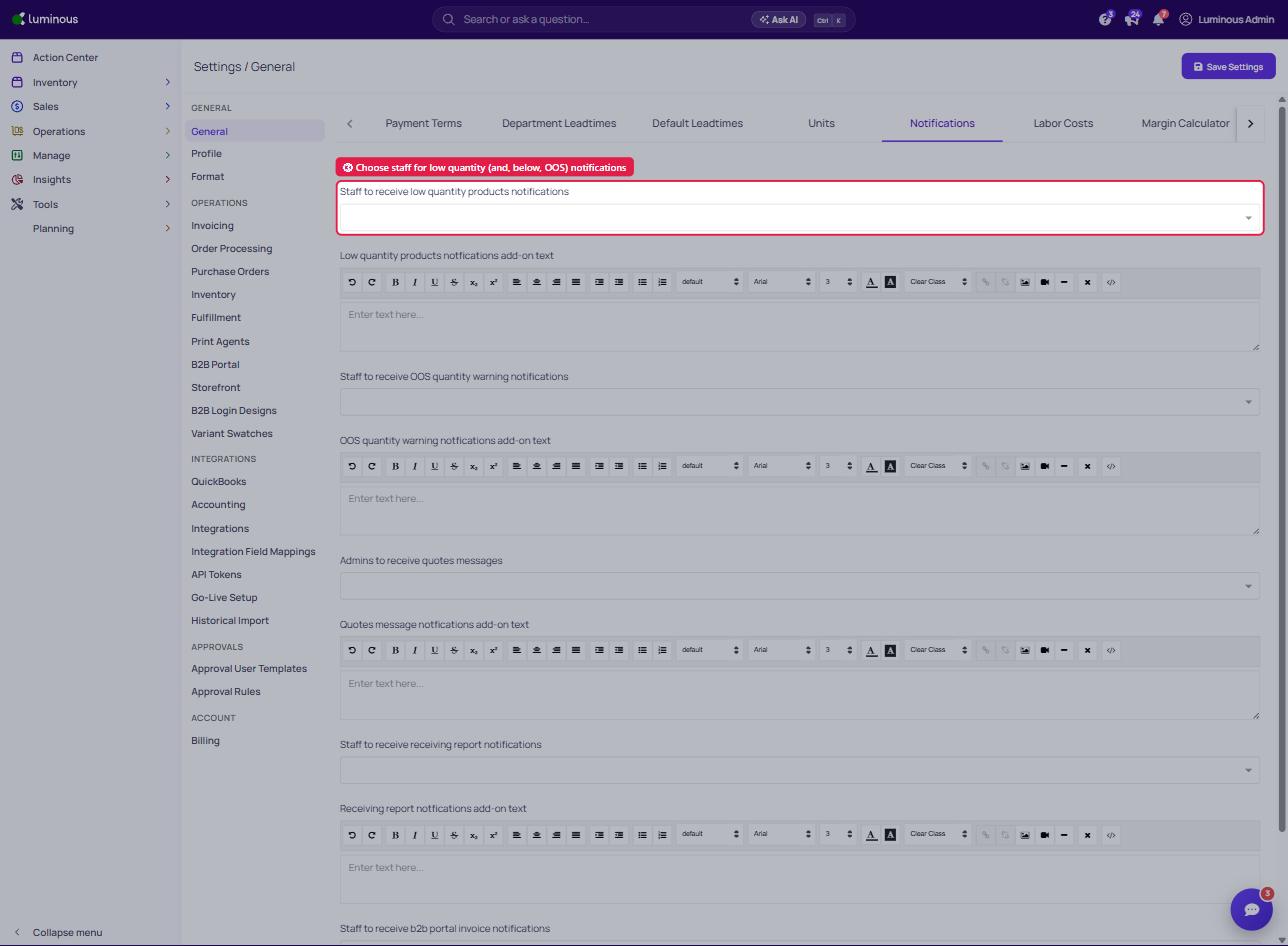
3. Indicate which user will receive the low quantity products (Low Stock Alert Quantity) and OOS quantity warning notifications