Sales Order Not Syncing to Shipstation: How to Fix Country Code Error and Invalid Data

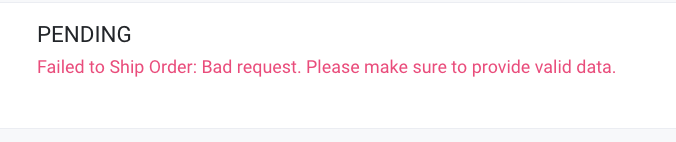
- Delete the sales order from the Sales Order Page.
- Go back to Sales > Invoices and edit the invoice for those sales orders that failed.
- Check the client's business address if the details are complete:
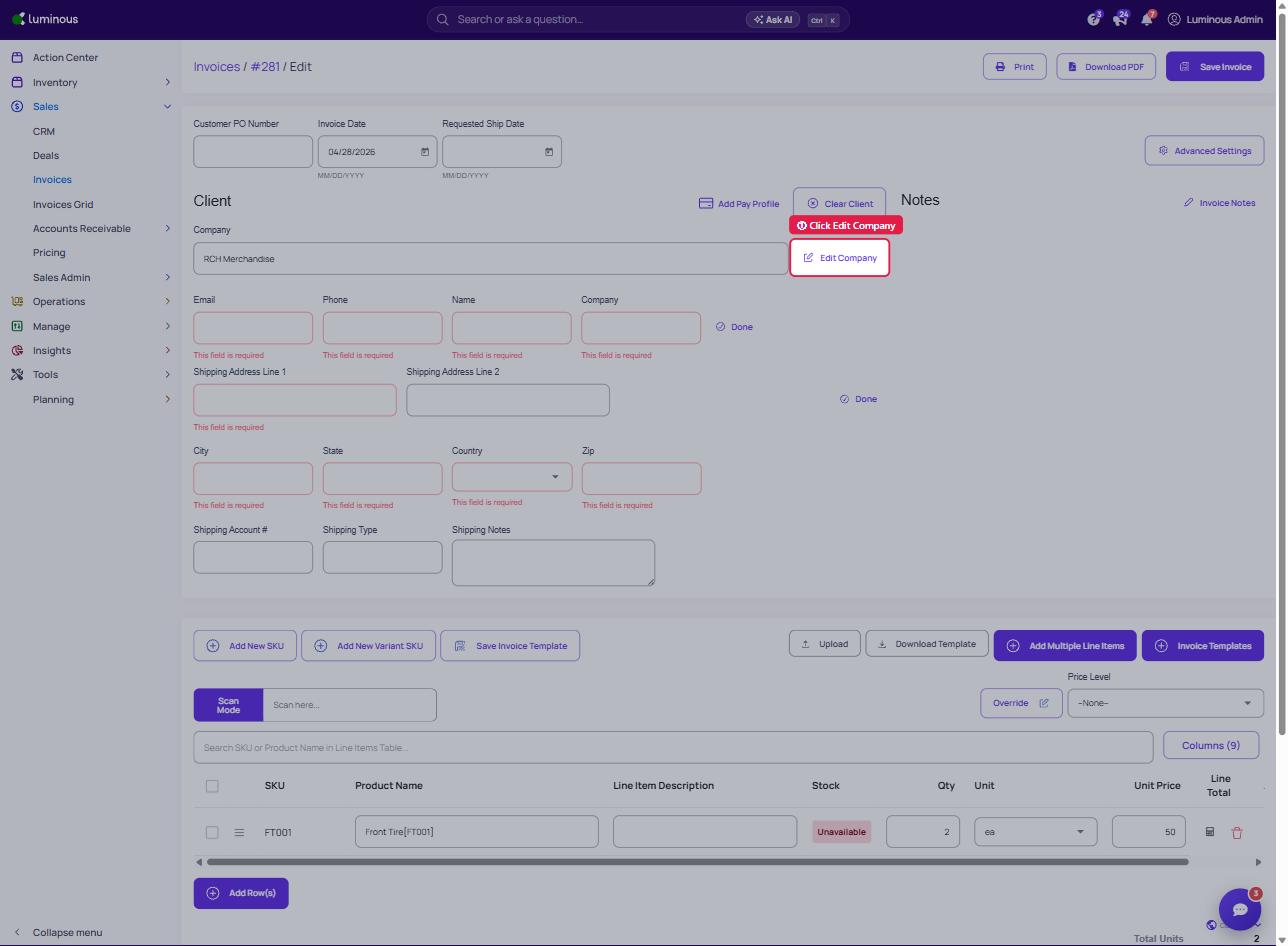
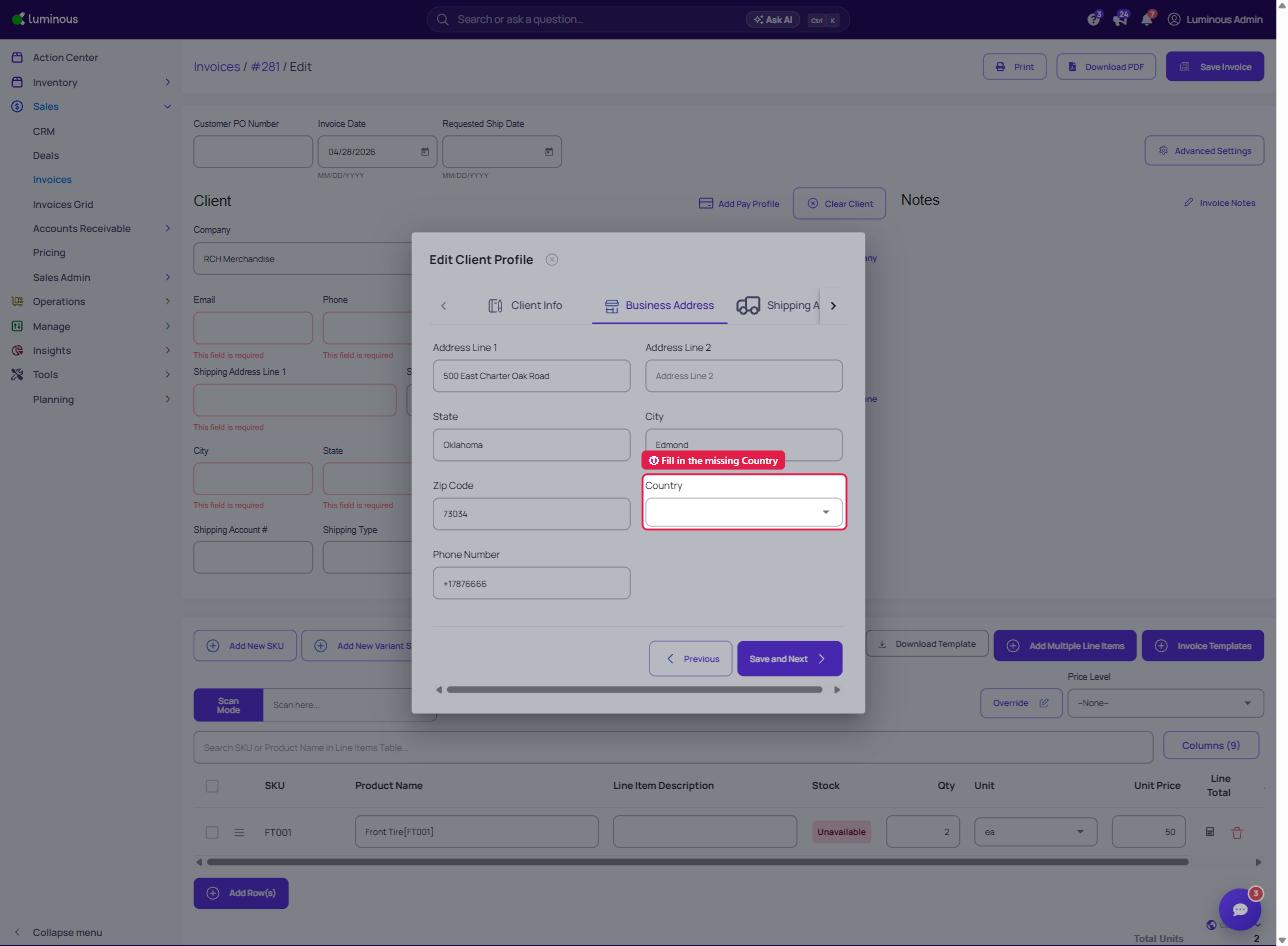
Click Edit Company, open the Business Address tab, fill up the missing data (e.g., Country) then click Save and Next.
5. Save the invoice.
6. It should then automatically create a sales order.
7. Go back to the sales order page and manually push the recreated sales order.