What?
Unit costs represent the cost of a product. In Luminous, they can be calculated off of past purchase orders/quotes or input manually.
Why?
This is a major part of understanding how profitable your business is. Making decisions is much easier when you know the margins on each product you buy and sell.
How?
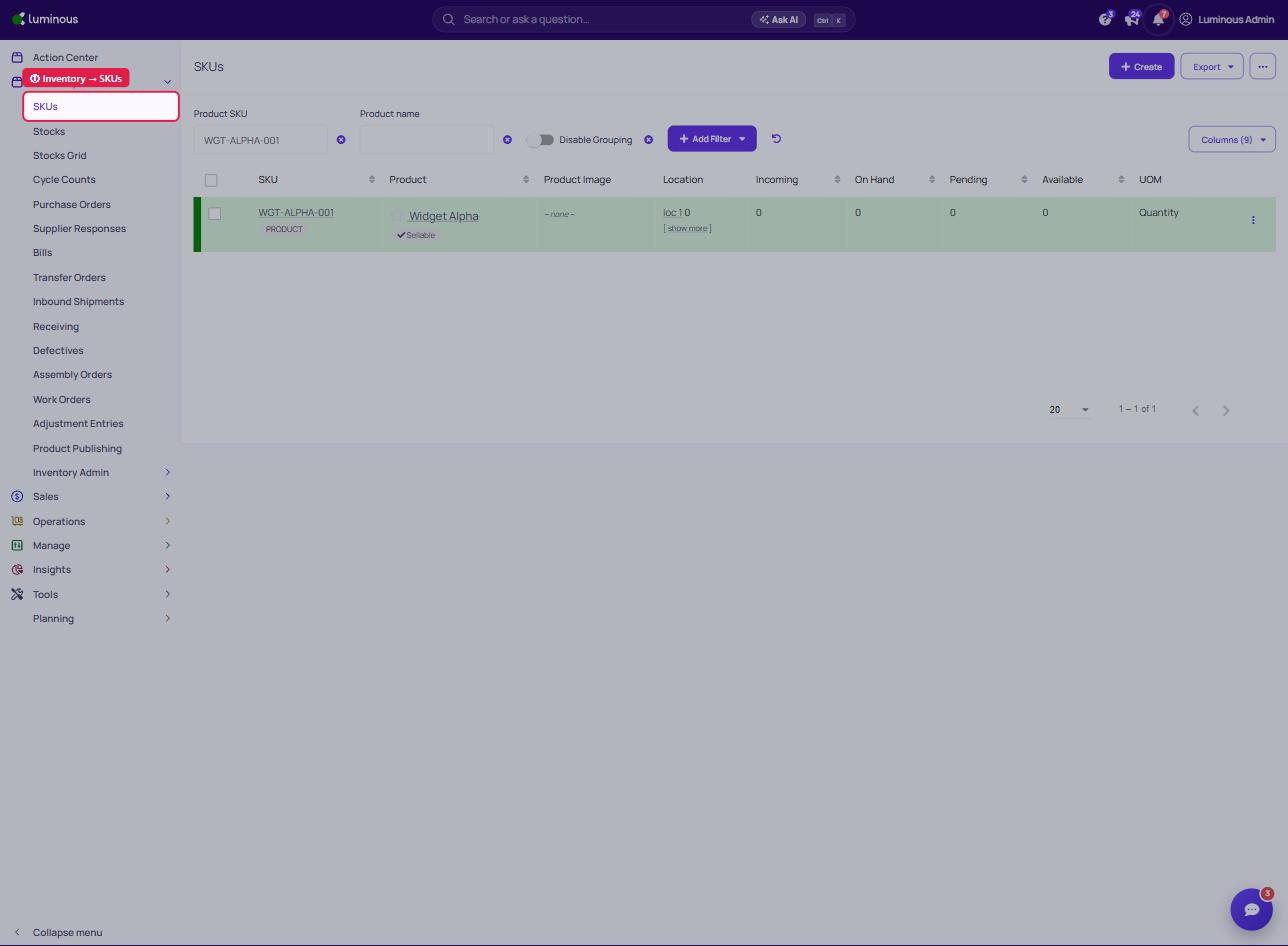
- To Manually Set Unit Costs (Material Costs): "Inventory" -> "SKUs"
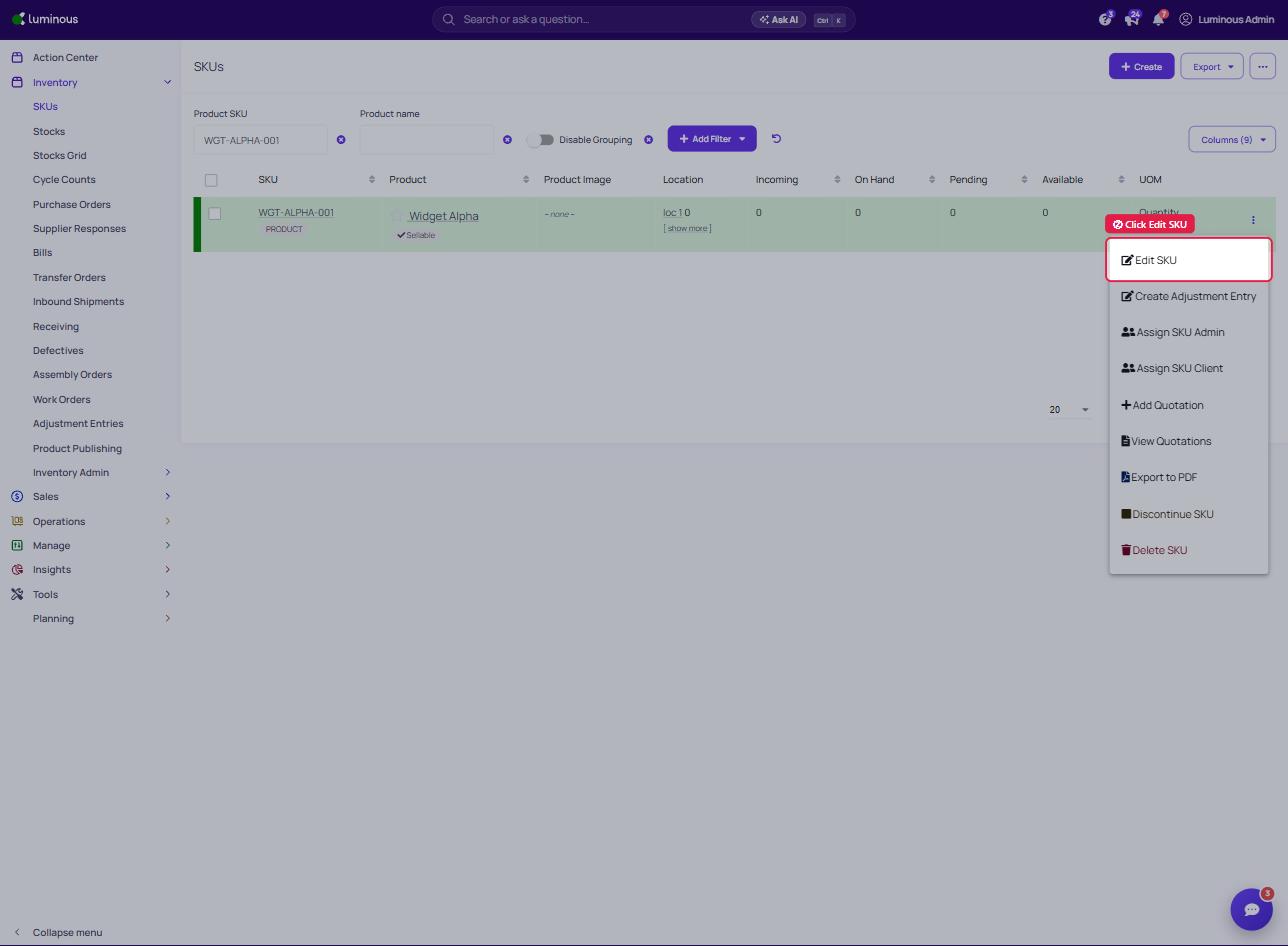
2. Click to Edit SKU
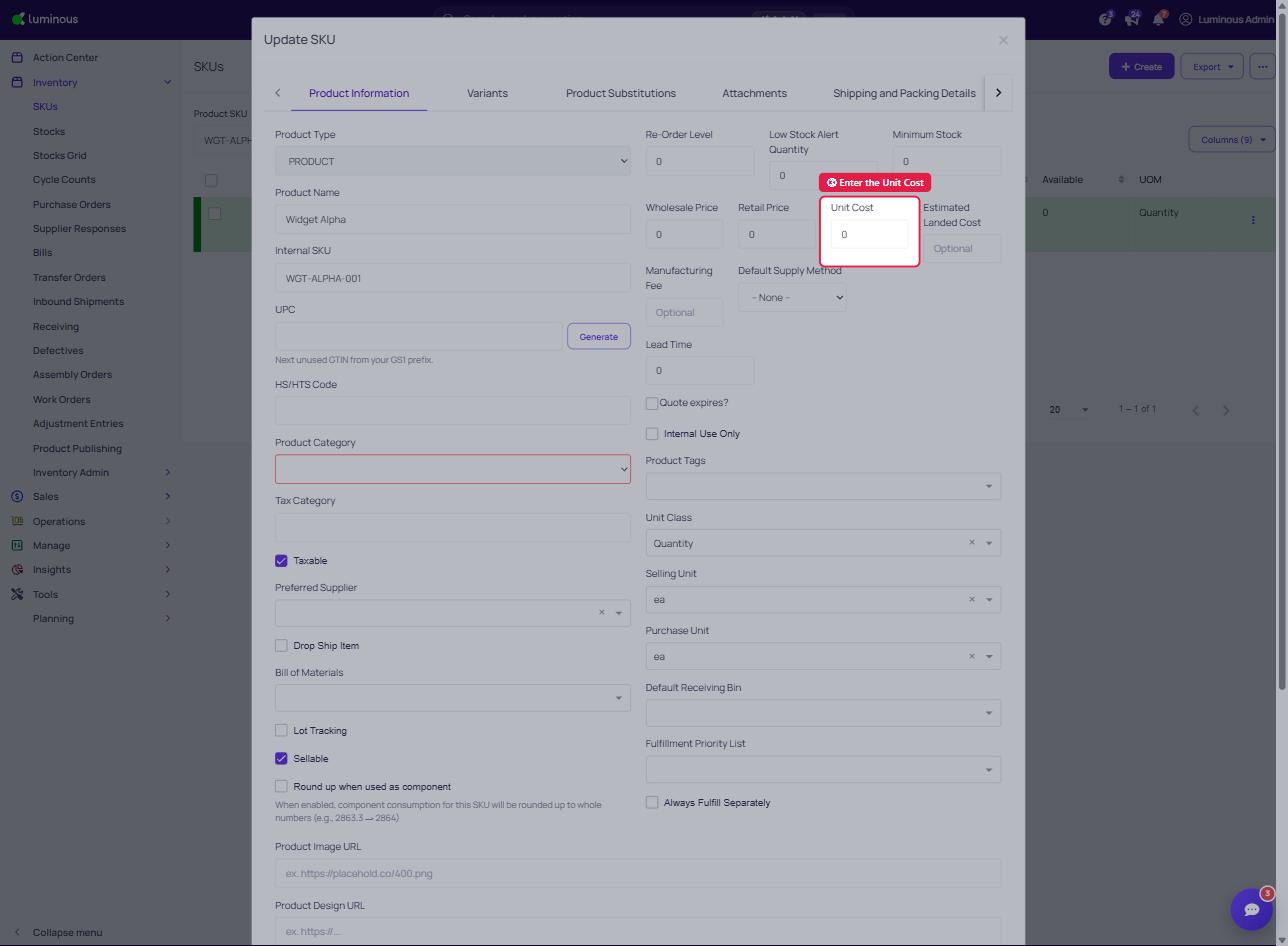
3. For Basic Unit Cost Input:
4. More In-Depth Material Cost: Click into SKU
5. Add Applicable Data
Note - Open the SKU and go to the Costs tab to see its cost layers (built from received purchase orders). You can also manually set the Unit Cost from Edit SKU.