You have the ability to receive items from different PO's at the same time while using the same receiving report. Here is more information below:
- Click 'Inventory' -> 'Receiving'
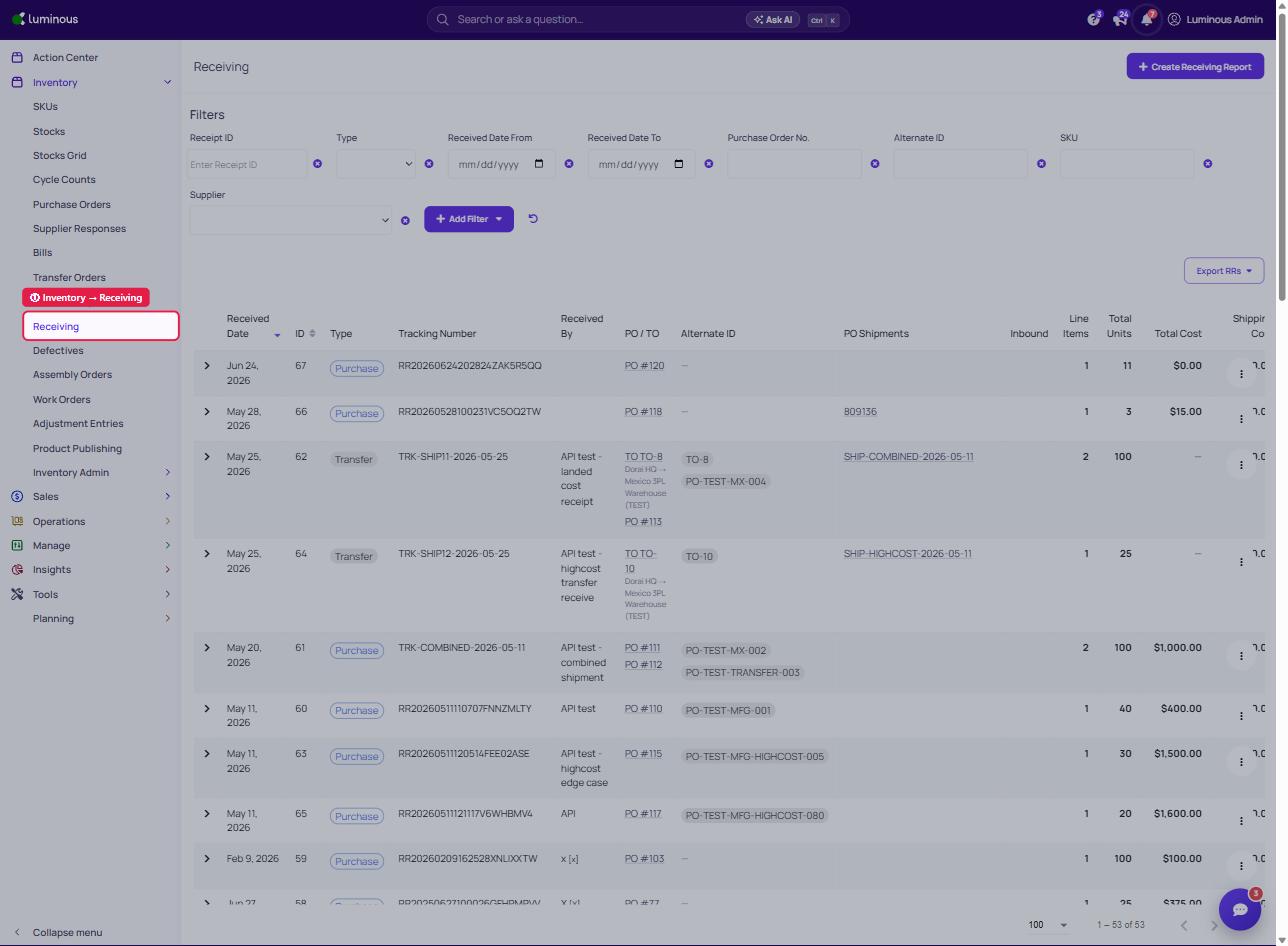
2. Click 'Create Receiving Report'
3. Add Purchase Orders/Items: with 'PO' selected under Search, pick each PO in 'Search by Selected Type' and select its lines
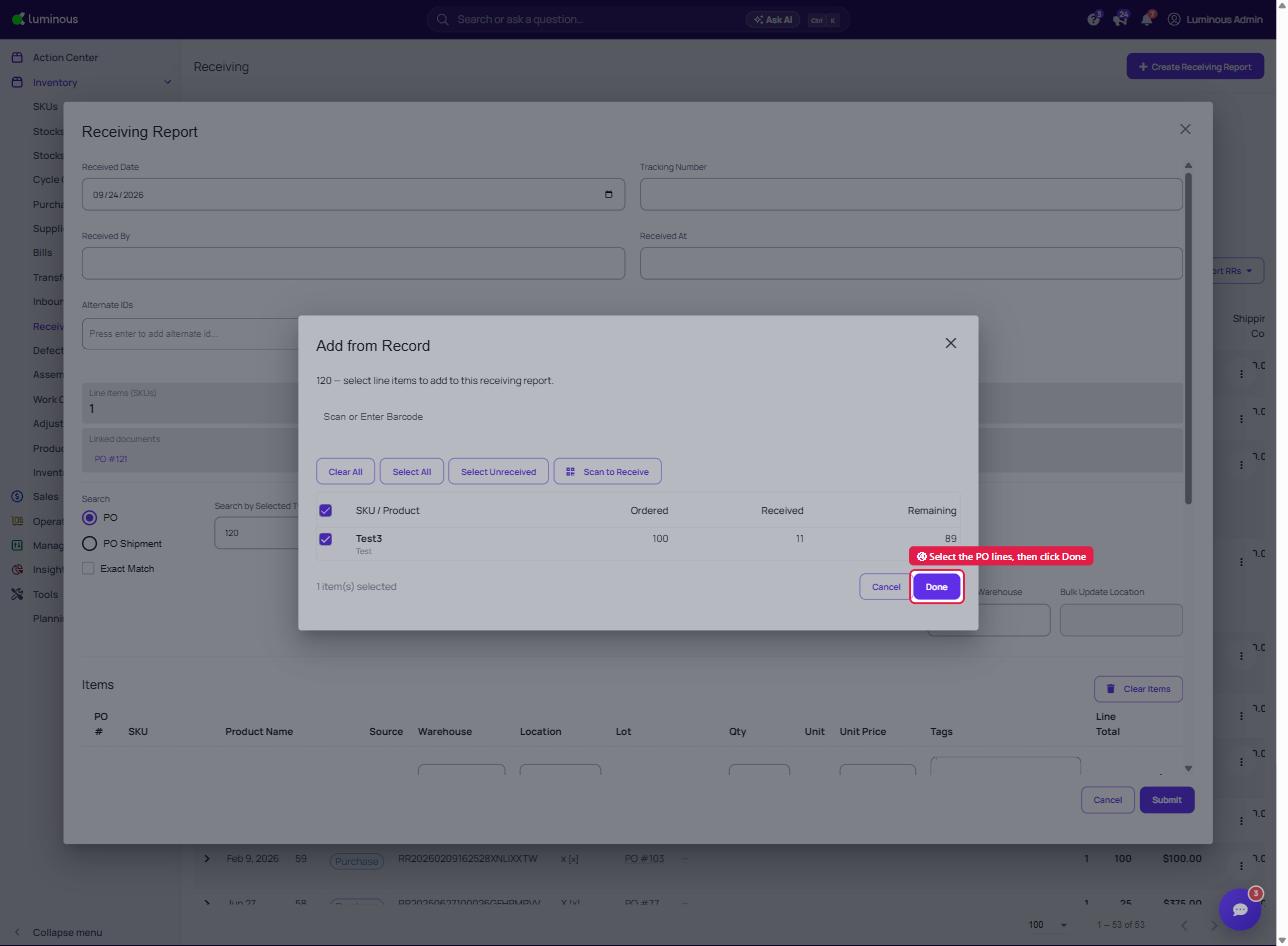
4. Click 'Done' (repeat steps 3-4 for each additional PO)
5. Click 'Submit' to save the Receiving Report