- Click on your user name in the top-right corner
2. Select "Settings", then open the "General" tab
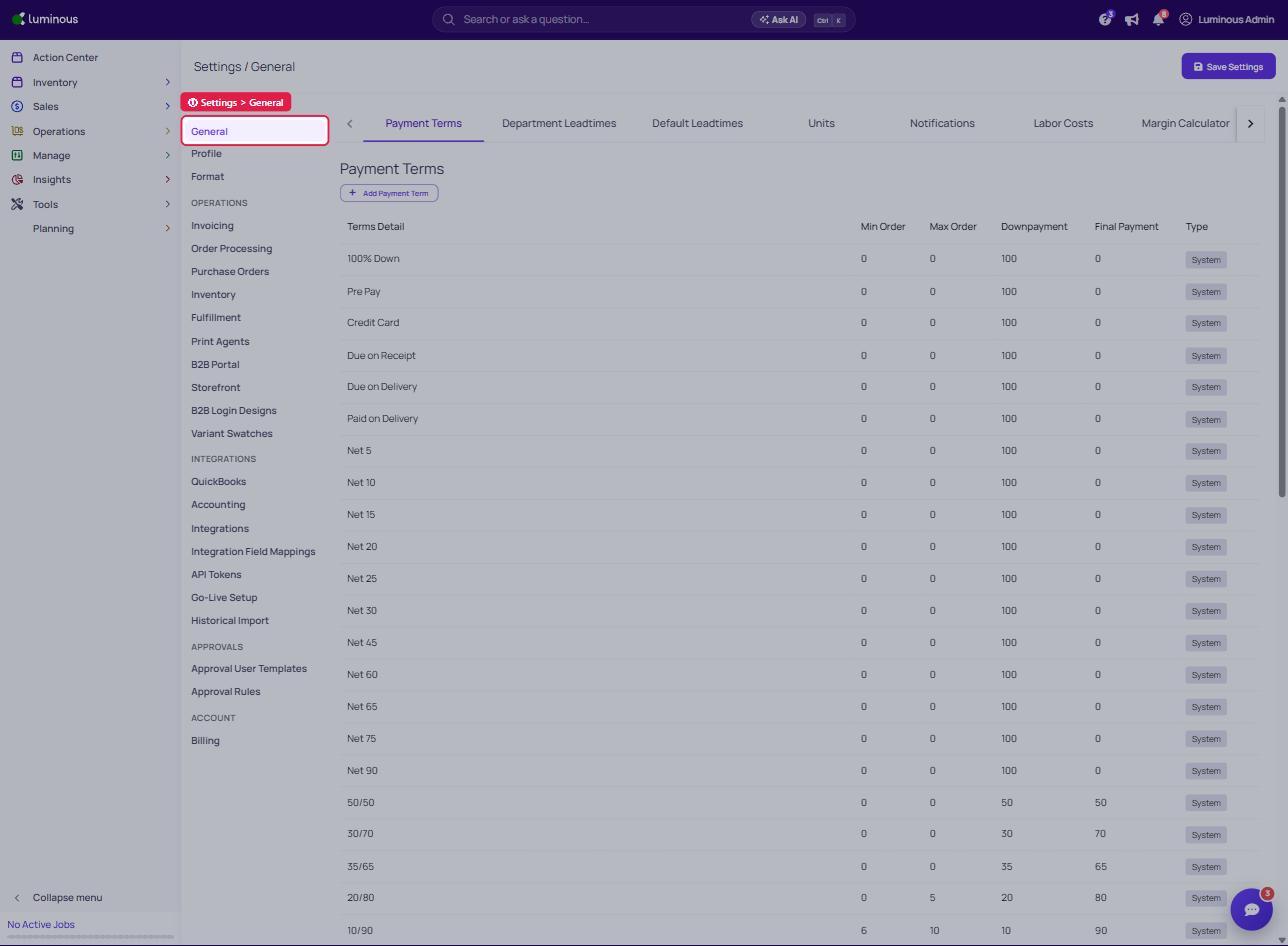
3. Select the "Default Leadtimes" sub-tab
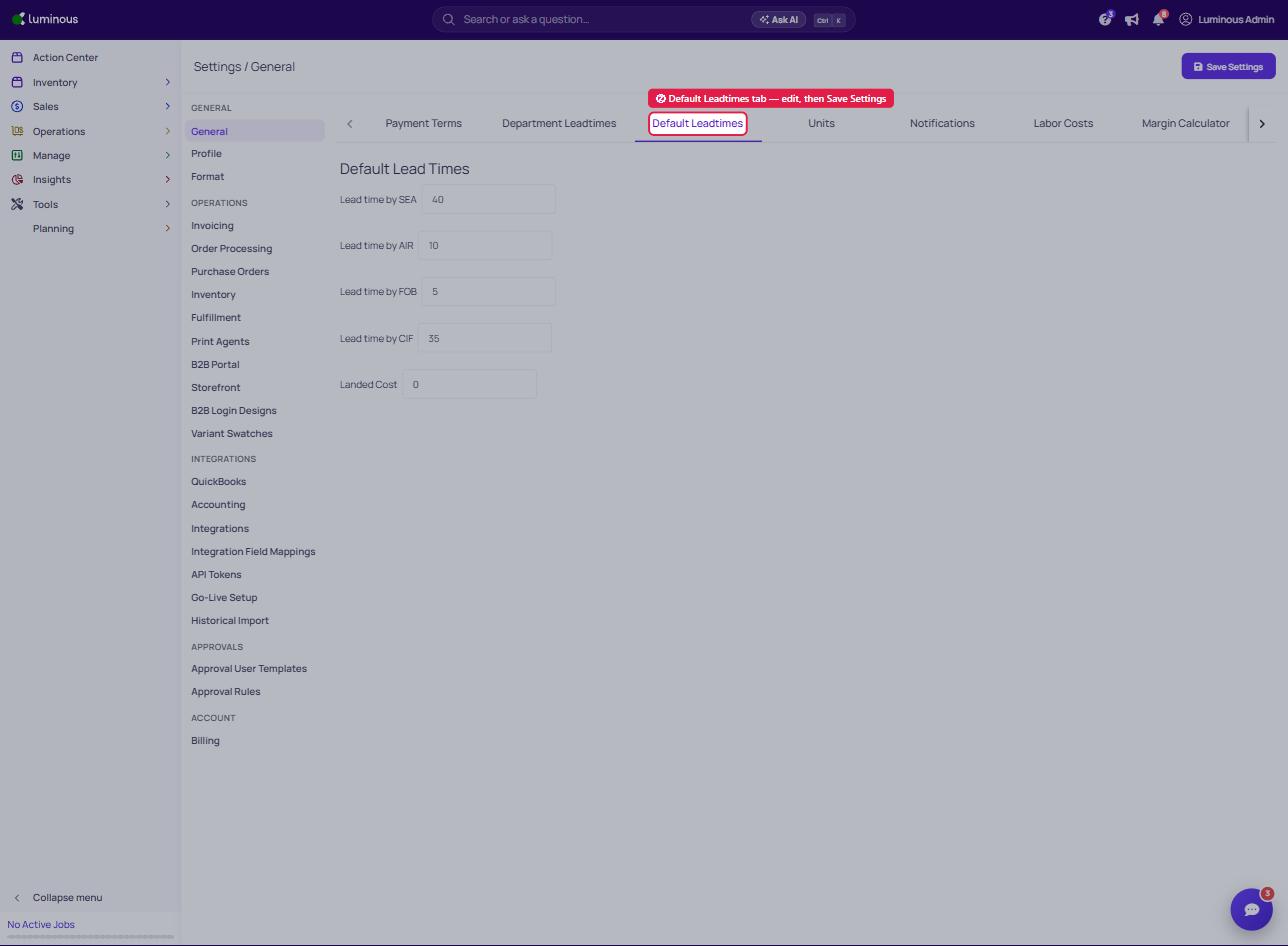
4. Edit Default Lead Times Accordingly
5. Save Settings
2. Select "Settings", then open the "General" tab
3. Select the "Default Leadtimes" sub-tab
4. Edit Default Lead Times Accordingly
5. Save Settings