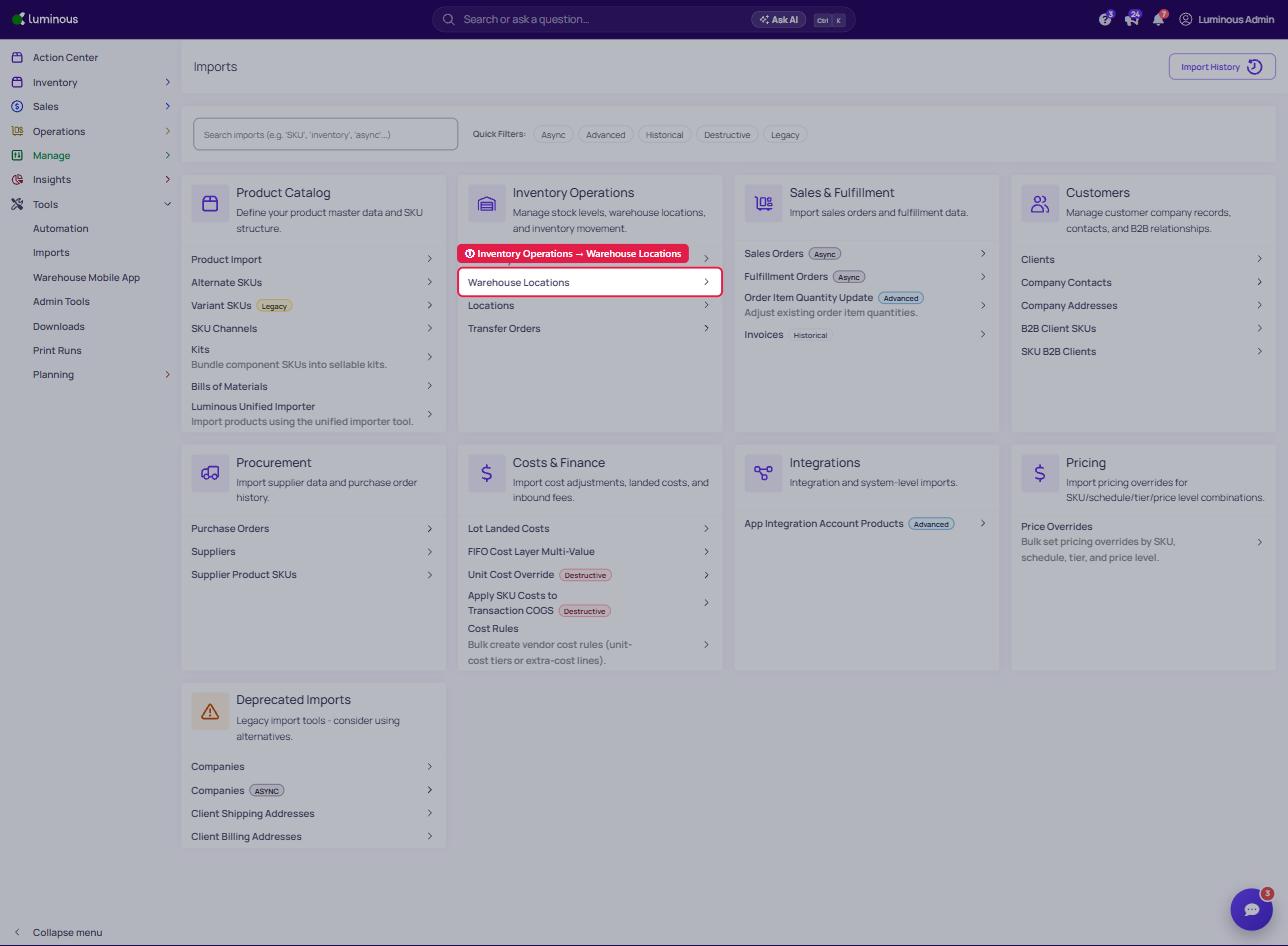
The next step in implementation takes us to the addition of warehouses and their locations. This is a critical step in implementing perpetual inventory, purchasing, and other features.
To Add Warehouses:
-
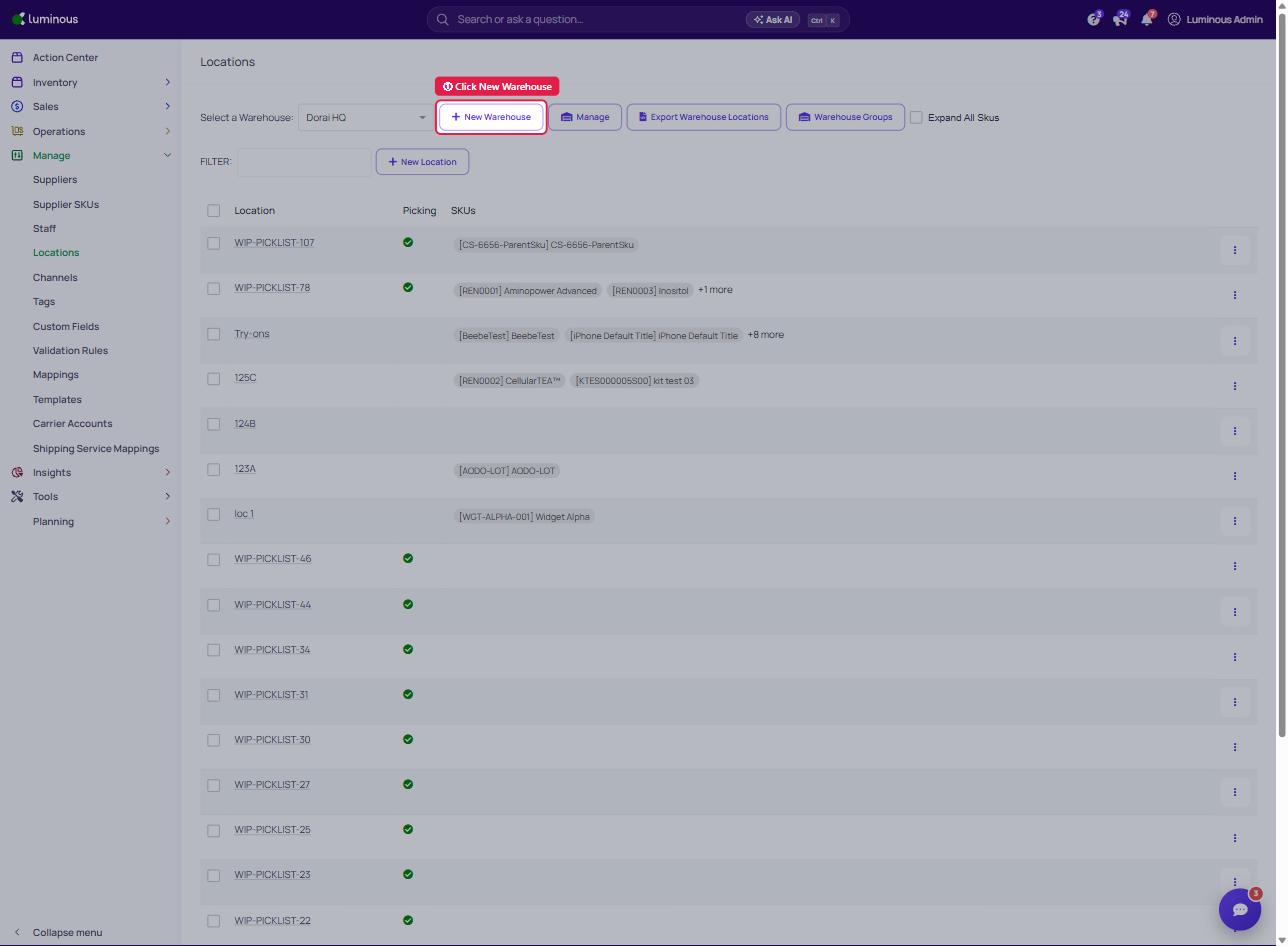
Click Manage then look for Locations below.
-
Locate the button that says New Warehouse located at the top part of the screen.
To Import Locations:
-
Click Tools then look for Imports below.
-
Under Inventory Operations, click Warehouse Locations.